
A match-day map that knows where the queues are
Forty thousand people, fifteen minutes, and everyone heads for the nearest bar. Signposted puts the seating plan on every supporter's phone with a live status on every outlet: busy here, quiet two blocks along, and a button that walks them there. Stewards set it with a six-digit code, your EPOS or footfall sensors can set it automatically, and the ops room posts notices that reach every phone within a minute.
- Live busyness on every bar and kiosk
- Your seating plan as the map
- Updates from stewards, EPOS or sensors
What supporters get
Everything a stadium app does for the venues that do not want to build one.
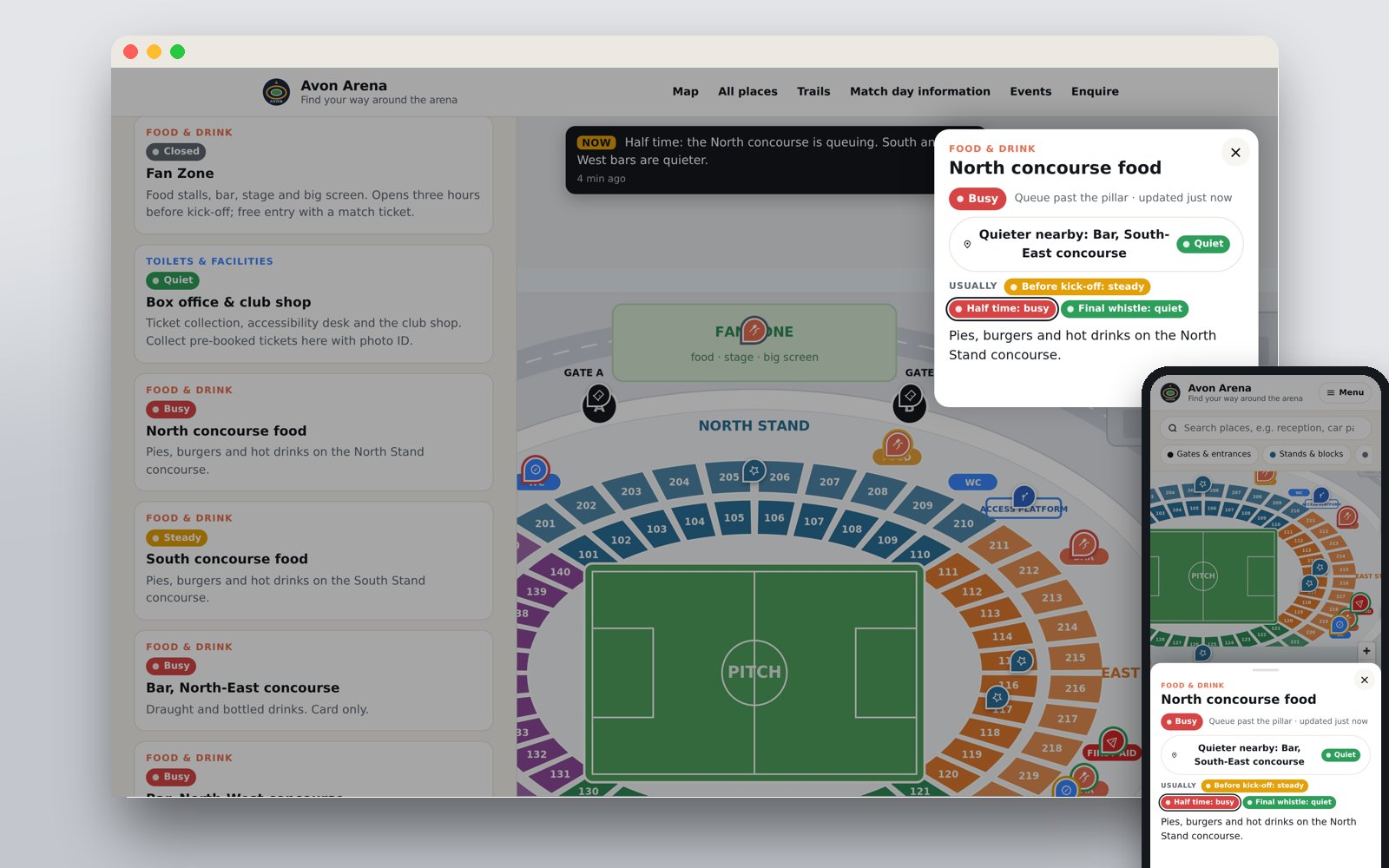
Live busyness and a quieter one nearby
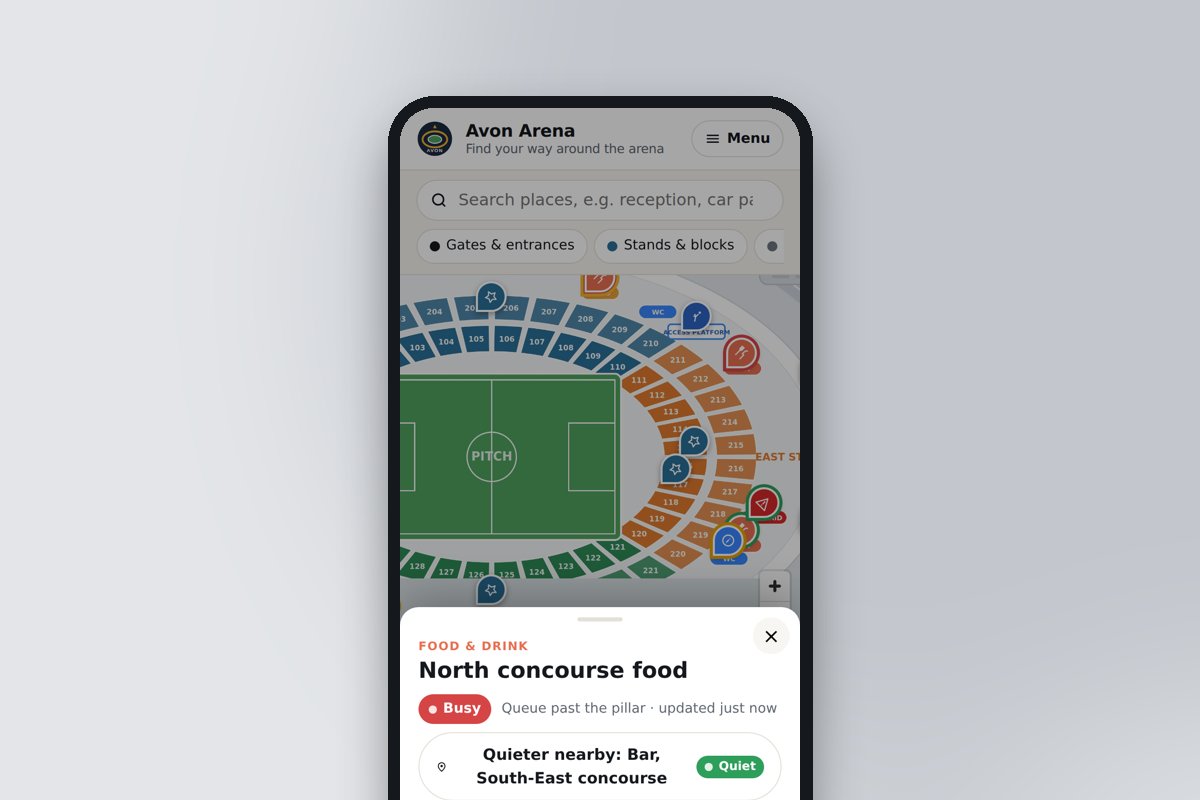
Every bar, kiosk and toilet block shows quiet, steady, busy or closed, updated within a minute. When somewhere is busy the card offers the nearest quiet one of the same kind, with the route. That is the feature that moves a crowd.
It learns your pattern
Every status set during a phase is remembered. After a few fixtures the page predicts on its own: "usually busy at half time, learned from 11 match days", and the builder can copy the learned pattern into the typical-busyness grid with one click.
Your seating plan, with routes along the concourse
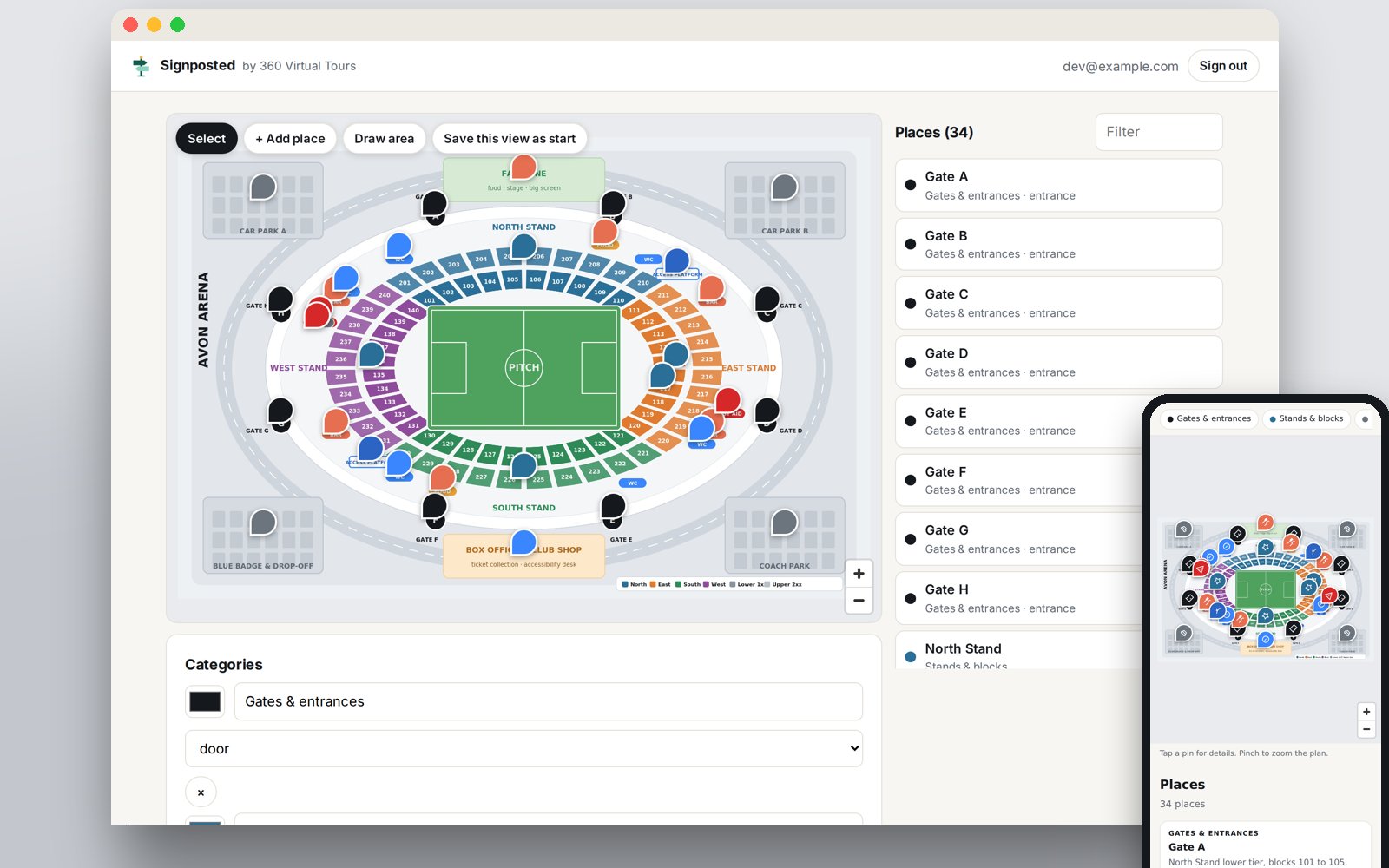
Upload the plan from your ticketing provider and pin the gates, blocks, stands, bars and first aid onto it. Draw the concourse and the walkways once and every place gets a route from where the supporter is standing, with the distance and walking time.
Notices from the ops room
Car Park B full, Gate C closed, the fan zone reopening at full time. Posted from the builder or the staff link, shown on the map on every phone, and cleared with one tap.
"You are here" codes and ticket links
A QR code or NFC tag at a gate or a pillar opens the page with the position already set, so routes start from that spot; your Wi-Fi sign-on page can do the same for the access point the phone joined. Ticket links open on the right block with the away-supporter page chosen.
Works with no signal, and as a kiosk
The page, the plan and the places are stored on the phone the first time it opens, so the map still works when the network gives up at kick-off. Kiosk mode turns a touchscreen at the ticket office into the same map, resetting itself when nobody is using it.
See it on Avon Arena at half time
Avon Arena is a fictional 40,000-seat ground built on its own seating plan. The demo shows a half-time snapshot: the North concourse queuing, the South and West bars quiet, the fan zone closed until full time.
Open the stadium demoTry the staff linkNo sign-in needed. On the demo the staff link changes the page only on your own phone.
Busy here, quiet two blocks along
Pins glow red, amber or green. The card shows the status, who set it and how long ago, the notice from the ops room sits over the map, and a busy outlet offers a quieter one nearby with a tap.
- Statuses clear themselves after a set number of minutes, so nothing goes stale
- Typical busyness per phase as the fallback, set by you or learned from past fixtures
- Tap where you are, or scan a "you are here" code, for a route along the concourse
A bar manager taps one button
Every site has a staff link and a six-digit code. The person behind the bar opens it on their own phone, finds their outlet and taps quiet, steady, busy or closed. No accounts, no app, no training.
- Filter by category so a steward only sees the gates
- Post a notice or change the phase from the same screen
One screen for the whole ground, and an API for the data you already have
The Live tab in the builder shows every outlet and its status, the current phase and the notice. For live data without anyone tapping, the API key lets your EPOS, footfall sensors or Wi-Fi analytics post a level or a 0 to 100 score per outlet; transactions per minute per till is a very good proxy for queue length.
- Oracle Simphony, Zonal, Tevalis, Lightspeed and the rest connect through their integrator or a Zapier-style tool
- Reads are cached at the edge, so forty thousand phones polling costs one request
The rest of the match-day page
Home, away, accessible and hospitality audiences with their own to-do lists; step-free trails from the blue-badge bays to the platforms; events with ticket links; the box office enquiry form into your CRM; your crest and colours pulled from your website.
- QR code on tickets, wristbands and signs, and the address never changes
- Reuse next season: update the dates, keep the code
Live by the first home game
The map and the plan take a day. The live layer starts with the staff link and grows into the EPOS feed when you are ready.
- 1
Upload the seating plan
Any JPG or PNG from your ticketing provider or architect, around 4000 pixels wide. Drop the pins for gates, blocks, bars, kiosks, toilets, first aid and the accessible platforms.
- 2
Set the typical busyness
Three phases such as before kick-off, half time and final whistle, with a level for each outlet. Shown as "usually" and used when there is no live status yet.
- 3
Share the staff link
One link and a six-digit code for stewards and bar managers. They tap a status; supporters see it within a minute.
- 4
Connect your data (optional)
Give the API key to your EPOS or sensor integrator. Levels or scores per outlet, notices and the current phase can all be set by machine.
Other places people visit
The same builder with a template for each.
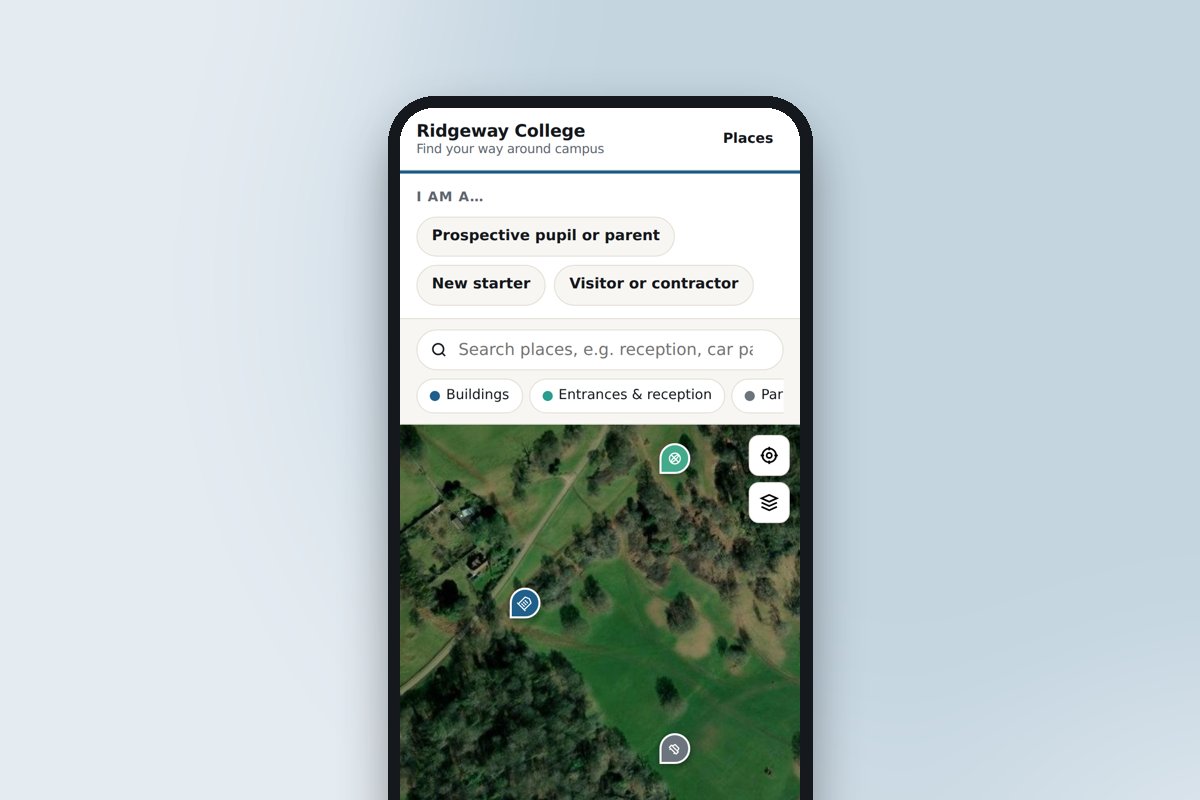 Schools, colleges and universitiesOpen days, new starters and visiting parents: every building, where to park and which door.
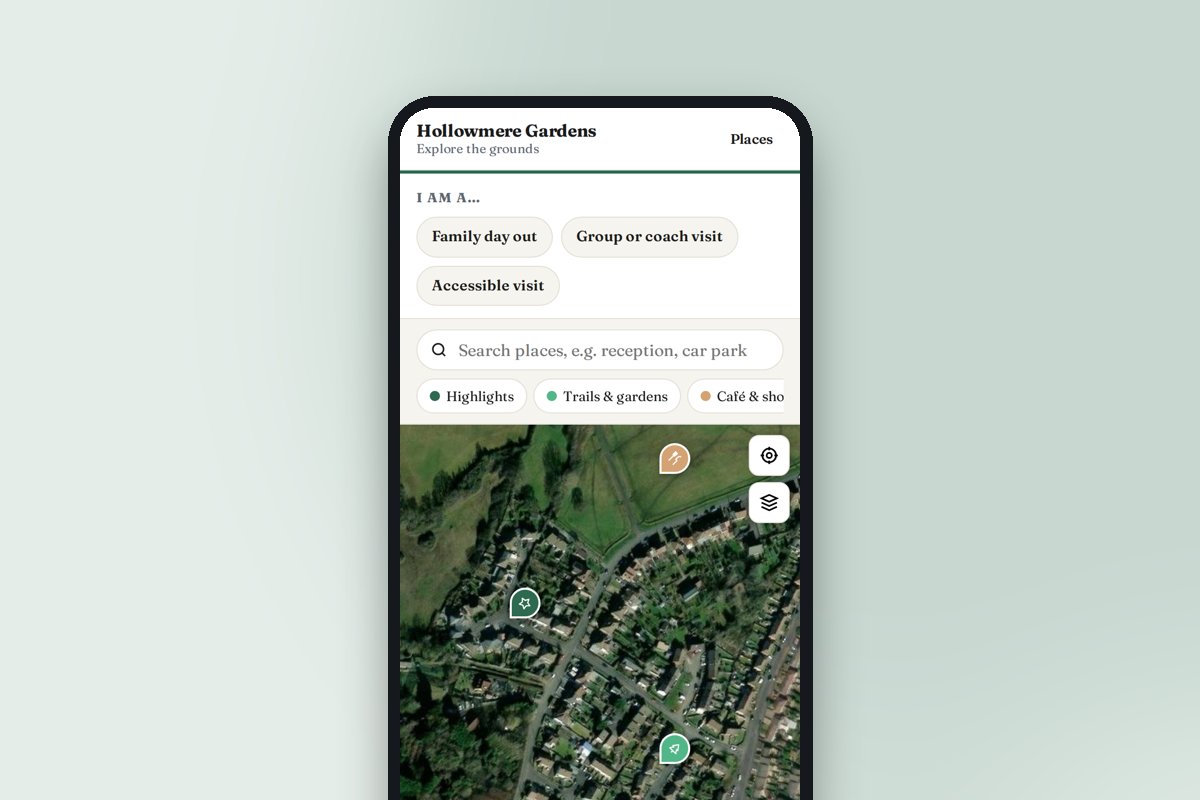 Attractions, gardens and heritage sitesTrails, highlights, the café and the loos, with a look inside the rooms visitors cannot enter.
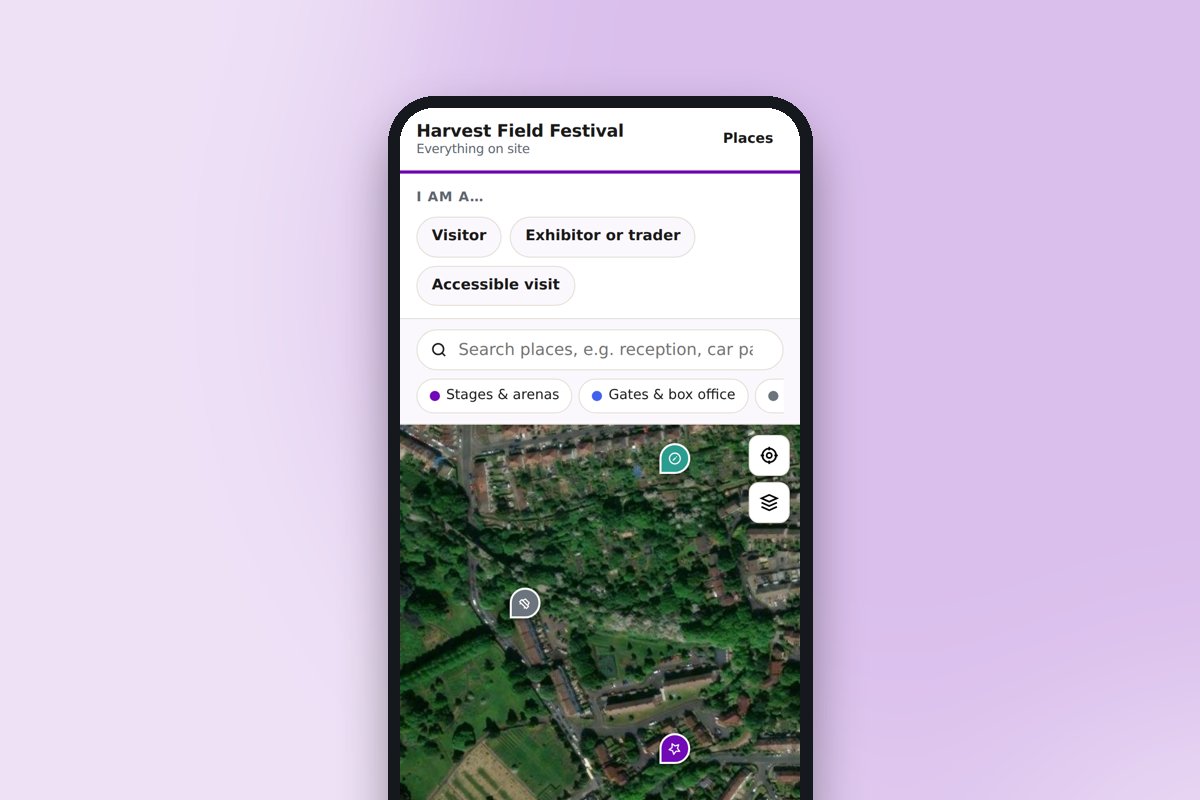 Venues, festivals and eventsStages, stands, car parks, first aid and meeting points, updated during the event.
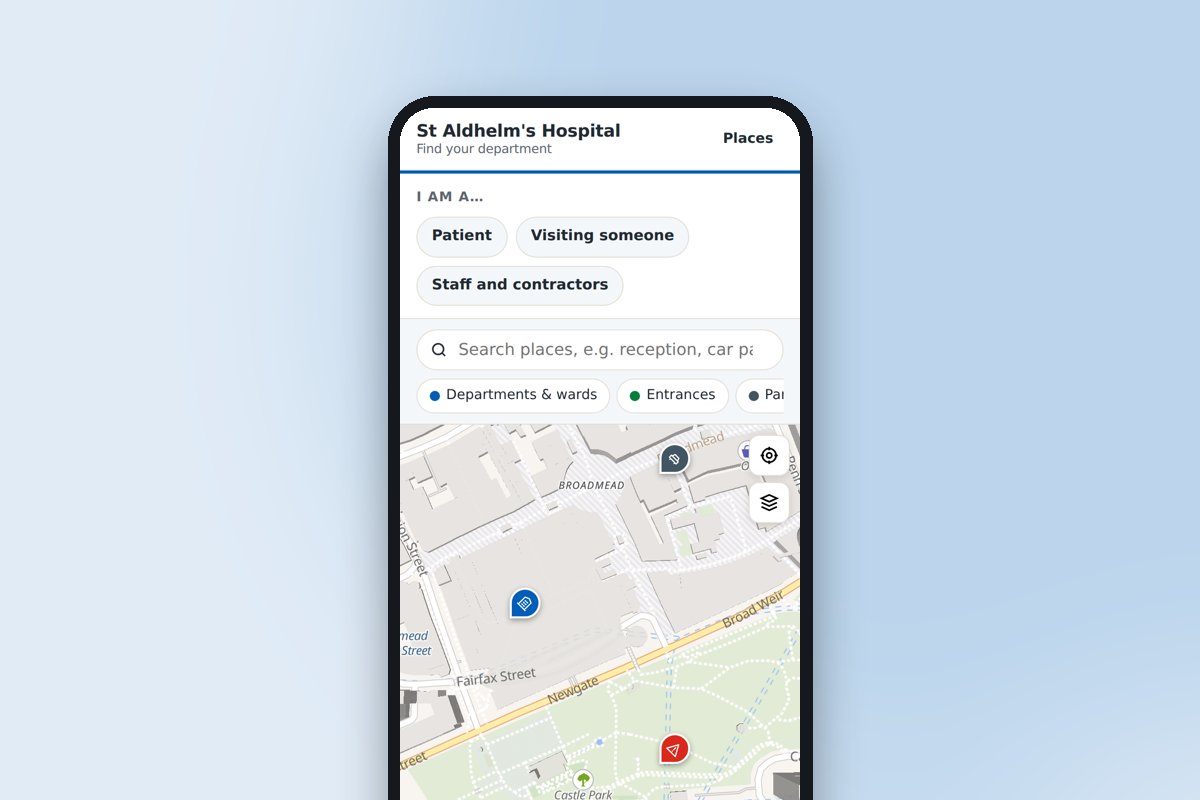 Hospitals and healthcare sitesThe right entrance, the nearest car park and the route to the ward or clinic.
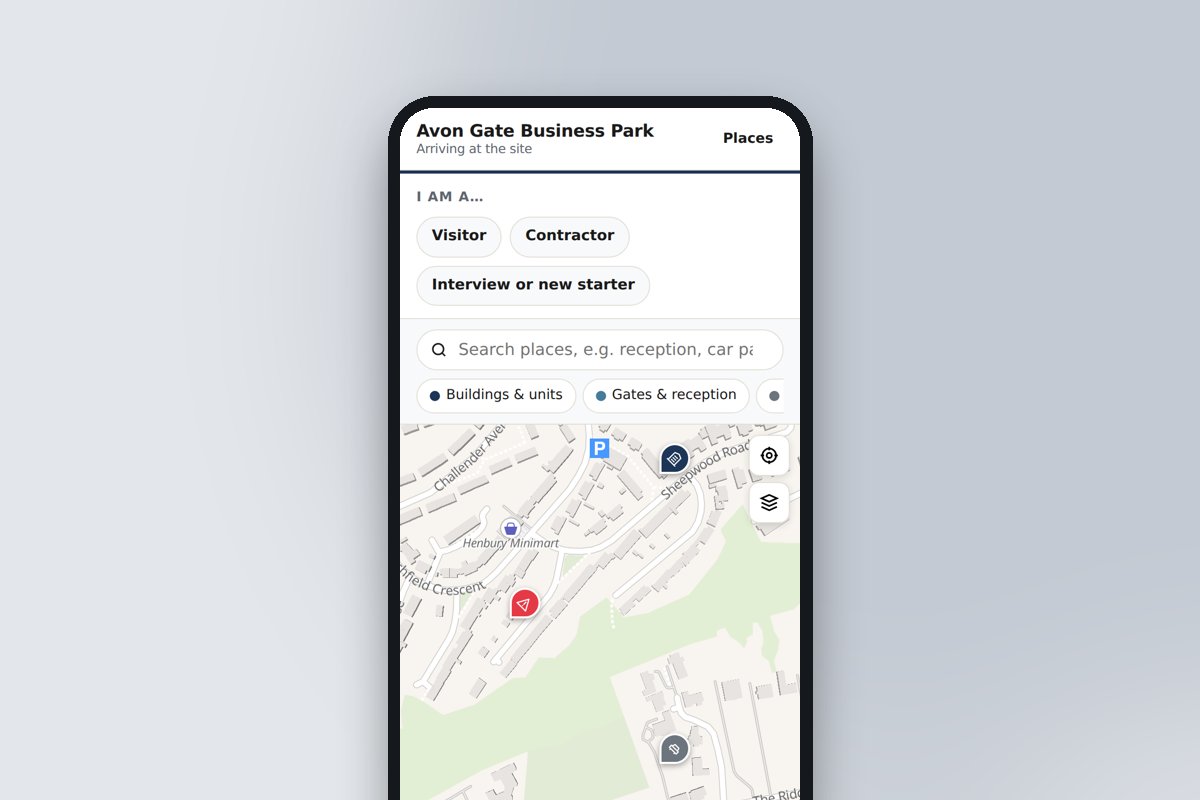 Business parks, offices and factoriesGates, reception, deliveries and assembly points for visitors, contractors and recruits.
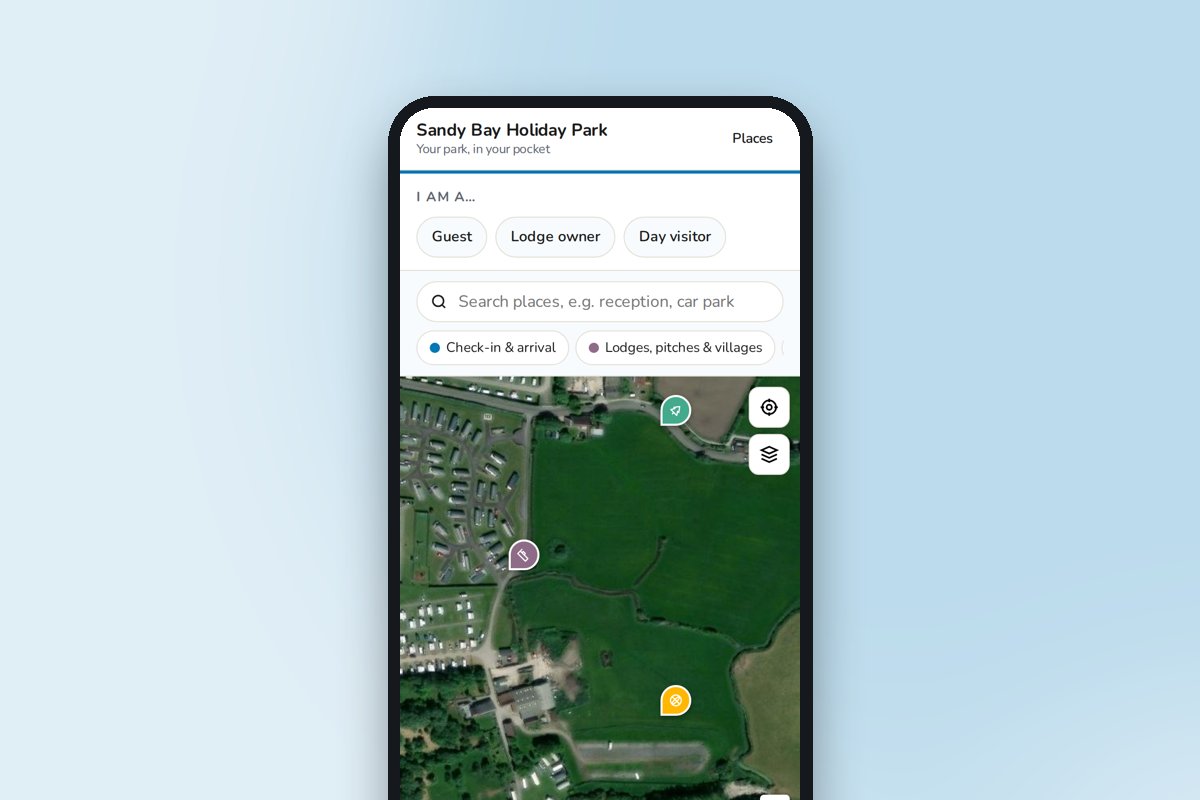 Holiday parks, campsites and resortsCheck-in to the pool, the shop and the beach path, on the guest's phone all week.
Frequently asked questions
Can’t find the answer you’re looking for? Just get in touch, or even better, book a video consultation.
Where does the busyness data come from?
Three places, and you can use all of them, and the page learns from whichever you use: every status set during a phase feeds a tally, so after a few fixtures it predicts the pattern itself. Staff set it from the staff link with a six-digit code. The typical profile you set per phase is shown as "usually" and fills in when nothing live has been set. And integrations post levels or scores through the API key: EPOS transactions per till, footfall or queue sensors, Wi-Fi analytics, or a Zapier-style tool in between. Every status carries who set it and when, and expires after the time you choose.
Will it cope with a full stadium opening it at kick-off?
The page is static files on a global CDN and the live status is read through the same CDN with a short cache, so a stadium full of phones polling once a minute reaches our servers a few times a minute, not tens of thousands. The map tiles come from a service built for exactly that, and uploaded plans are cached on the phone.
What about supporters with no signal?
The first time the page opens it stores itself, the plan and the places on the phone, so the map keeps working when the network is saturated. Live statuses and notices update whenever a connection comes back. We recommend the QR code on the ticket and in the pre-match email so the page is opened before the crowd arrives.
Does it replace our app?
For wayfinding, queues and notices, yes, and without the download, the store listings or the yearly rebuild. Ticketing, cashless payment and loyalty stay in whatever you use now; Signposted links out to them from the page.
What is coming next?
Multiple plans per site with a floor switcher for arenas and exhibition halls; event profiles so one page can switch between a match and a concert layout; crowd-sourced "how busy is it?" taps from supporters themselves; auto-translated audiences for visiting fans; and an analytics view in the builder showing what people searched for and could not find. Early-access users shape the order.
Do visitors need an app?
No. The page opens in any phone browser from a QR code or a link, with no download or sign-up. To-do list ticks are remembered on the visitor's phone.
Can we change it ourselves?
Yes, that is the point. Sign in, edit, publish. Changes are live in seconds, so the page can be updated for an event, a term or a road closure without waiting for anyone.
What does it cost, and how do we get access?
Signposted is in early access by invitation: ask us and we will set up your account. It is free to use while we finish it, we will confirm pricing before anything is charged, and our tour clients will get it included with their tour.
Want the plan drawn and the ground photographed?
We draw seating plans from the architect's drawings or the ticketing map, and photograph concourses, boxes and the view from every block in 360. Tell us about the ground and we will quote.