A visitor map for your attraction, with trails, highlights and where the loos are
Day visitors, coach groups, families with pushchairs and members who come every week each need a different version of your site. Signposted gives them one page: a map with every highlight, trails to follow, the café and the facilities, what is on this month, and a look inside the rooms that are closed today.
- Trails your visitors follow at their own pace
- Family, group and accessible audiences
- Events and seasonal openings in one place
What visitors get
The questions the welcome desk answers all day, answered on the phone in the visitor's pocket.
Highlights and trails
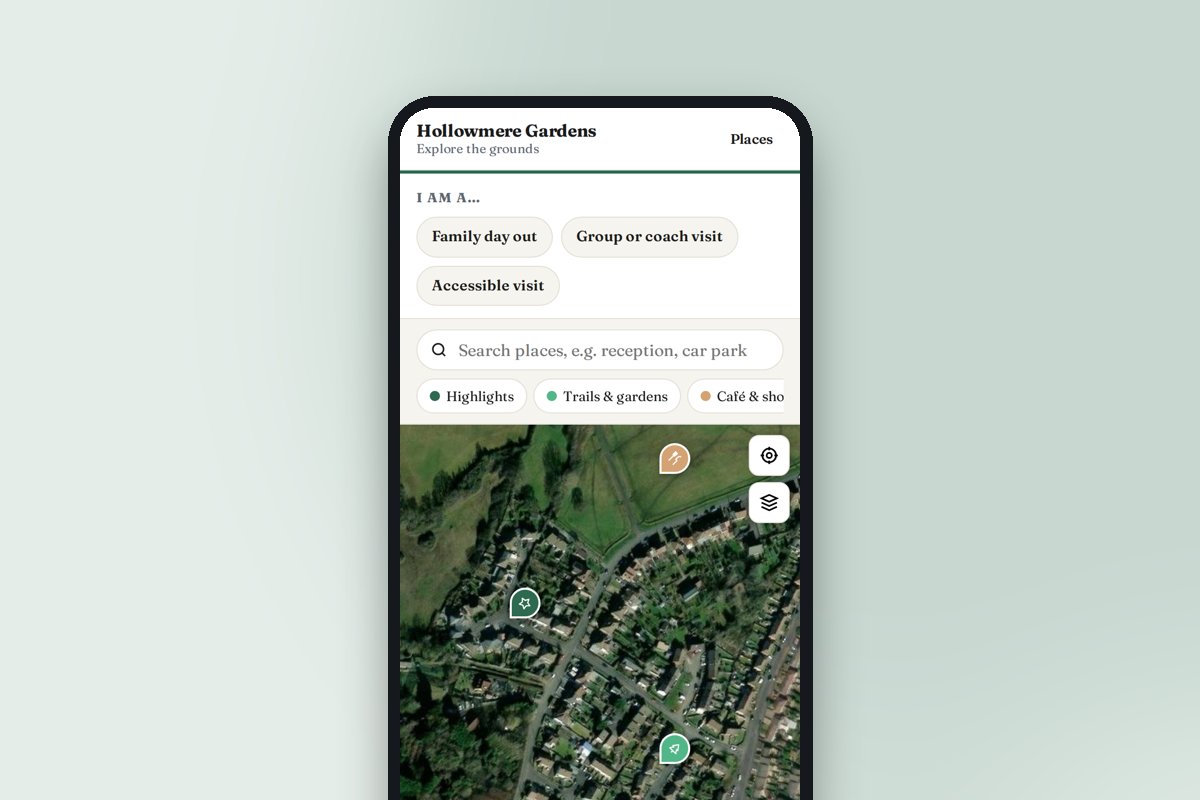
Mark the highlights, then join them into trails: the one-hour loop, the sculpture trail, the family quest. Visitors follow stop by stop with a photo and story at each.
Family day out, group visit, accessible visit
Three audiences, three to-do lists: where the buggy park is, where the coach drops off, which route avoids the steps. Visitors pick theirs on arrival.
Café, shop, toilets and picnic spots
The practical places, filterable with one tap, each with opening hours and walking directions from where the visitor is standing.
What is on
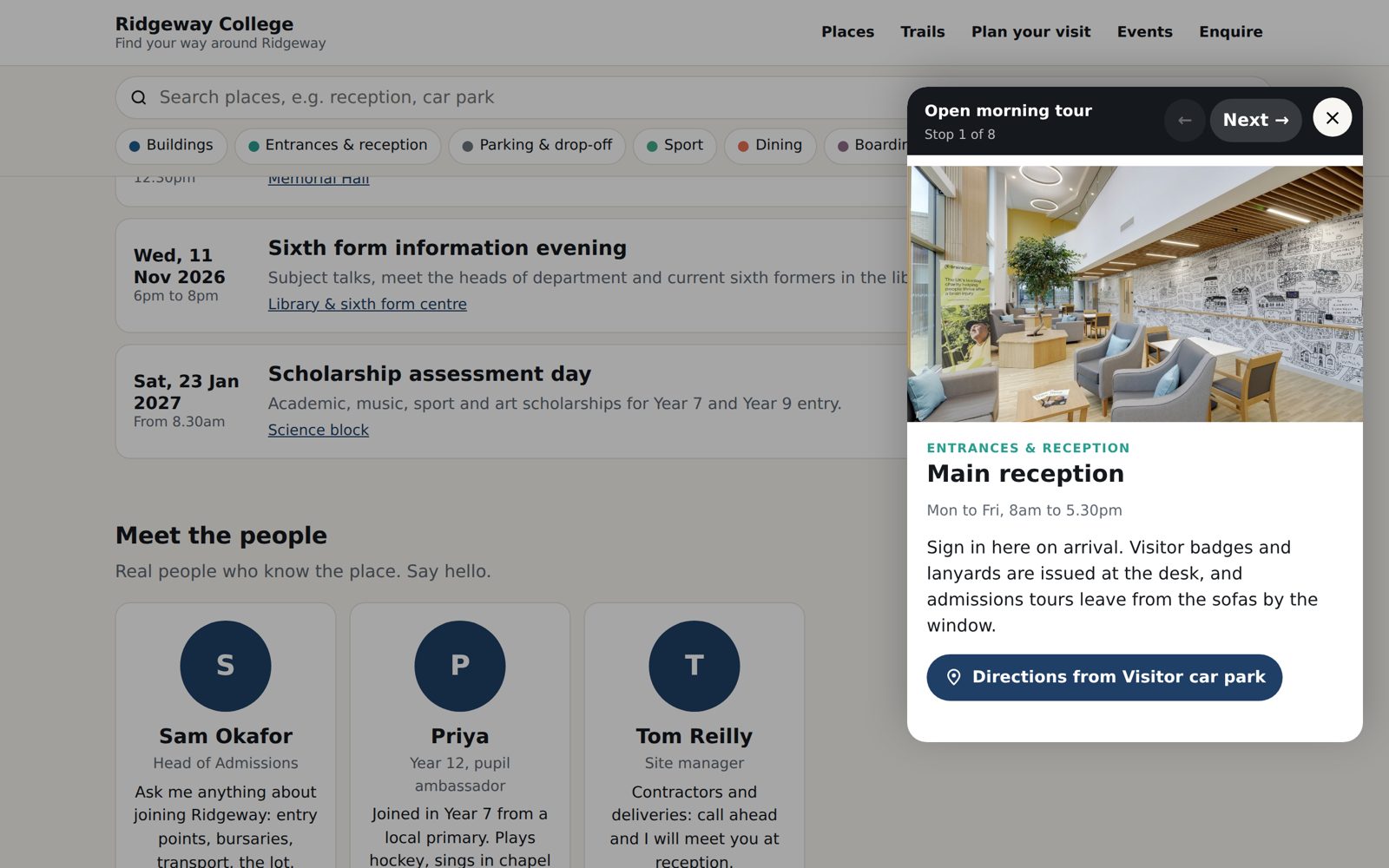
Seasonal openings, talks, tours and events in date order with a booking link, dropping off the page when they have passed.
Look inside
Attach a 360 tour or a Matterport scan to any building so visitors can see the rooms that are closed, fragile or fully booked.
Membership and donations
Link the enquiry form or your own form to membership, group booking and donation pages so the page earns its keep.
The attraction template
Six templates ship with Signposted. The attraction one starts with highlights, trails, café and shop, facilities, parking and accessible routes.
Try the school demoThe demo is a school; the attraction template works the same way with its own categories.
Open to visitors in days, not months
No developer, no app, no project plan. Your front-of-house team keeps it current.
- 1
Pick a template
School, hospital, attraction, business park, holiday park or event. Each comes with the right categories, sample places and audiences.
- 2
Place your buildings
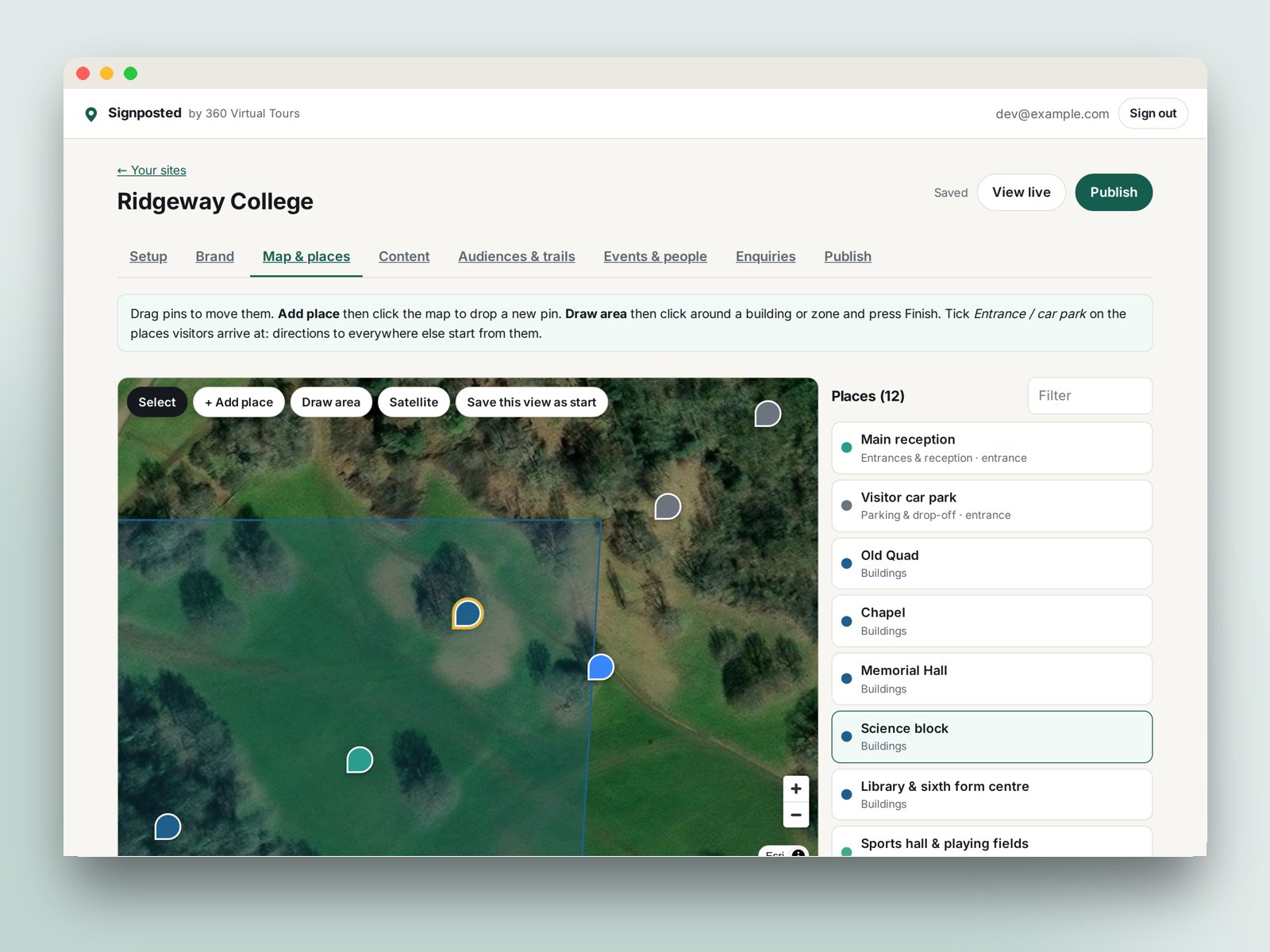
Drop pins on the map or satellite view, draw the car park and the grounds, tick the entrances visitors arrive at.
- 3
Add the words and pictures
Audiences, trails, events, people, videos and your enquiry form. Enter your web address and the branding is done for you.
- 4
Publish and print the QR code
Live at visit.360virtualtours.co.uk/your-name in seconds. Put the QR code on signs, letters and lanyards, or embed the page on your website.
Other places people visit
The same builder with a template for each.
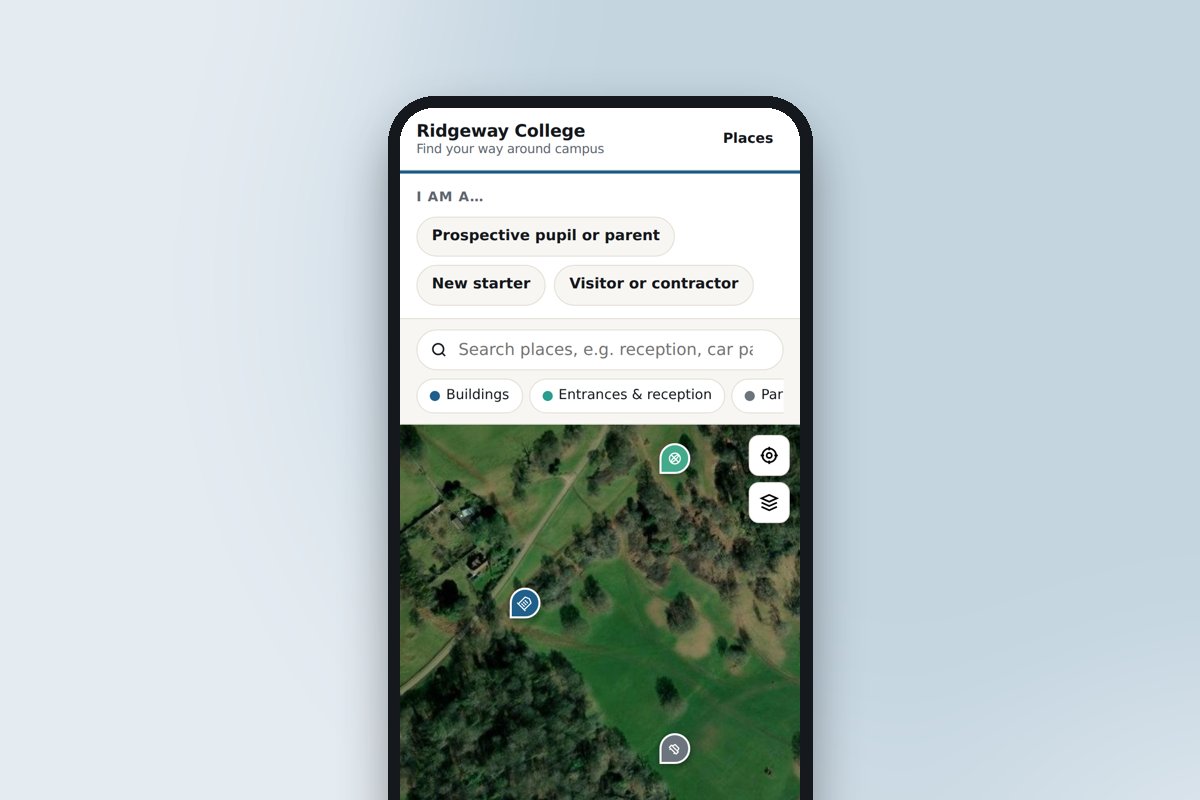 Schools, colleges and universitiesOpen days, new starters and visiting parents: every building, where to park and which door.
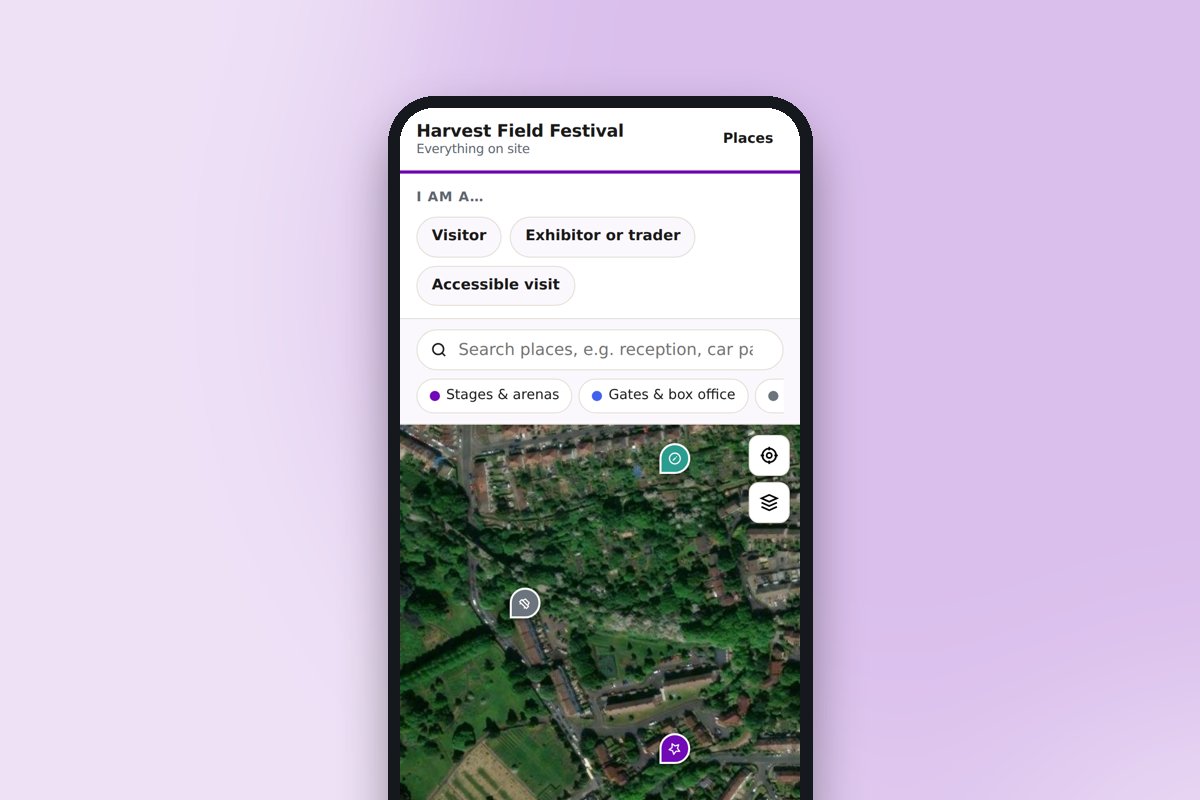 Venues, festivals and eventsStages, stands, car parks, first aid and meeting points, updated during the event.
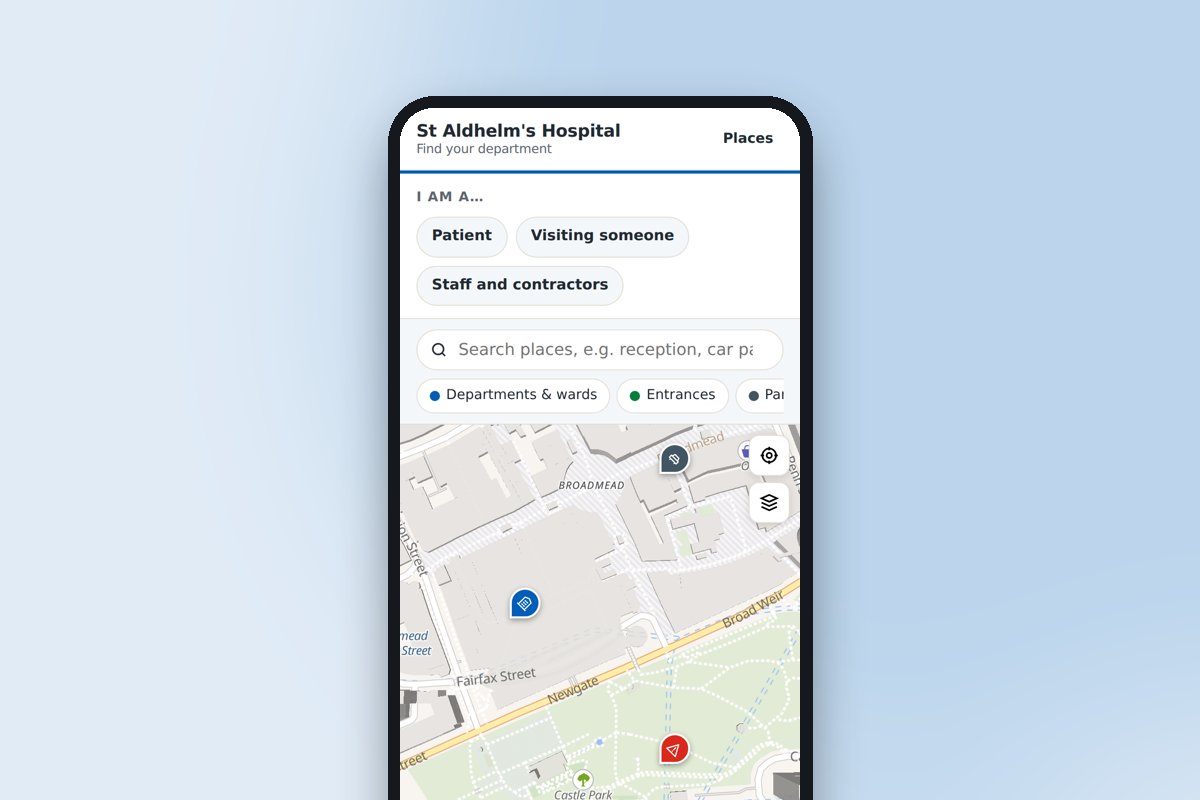 Hospitals and healthcare sitesThe right entrance, the nearest car park and the route to the ward or clinic.
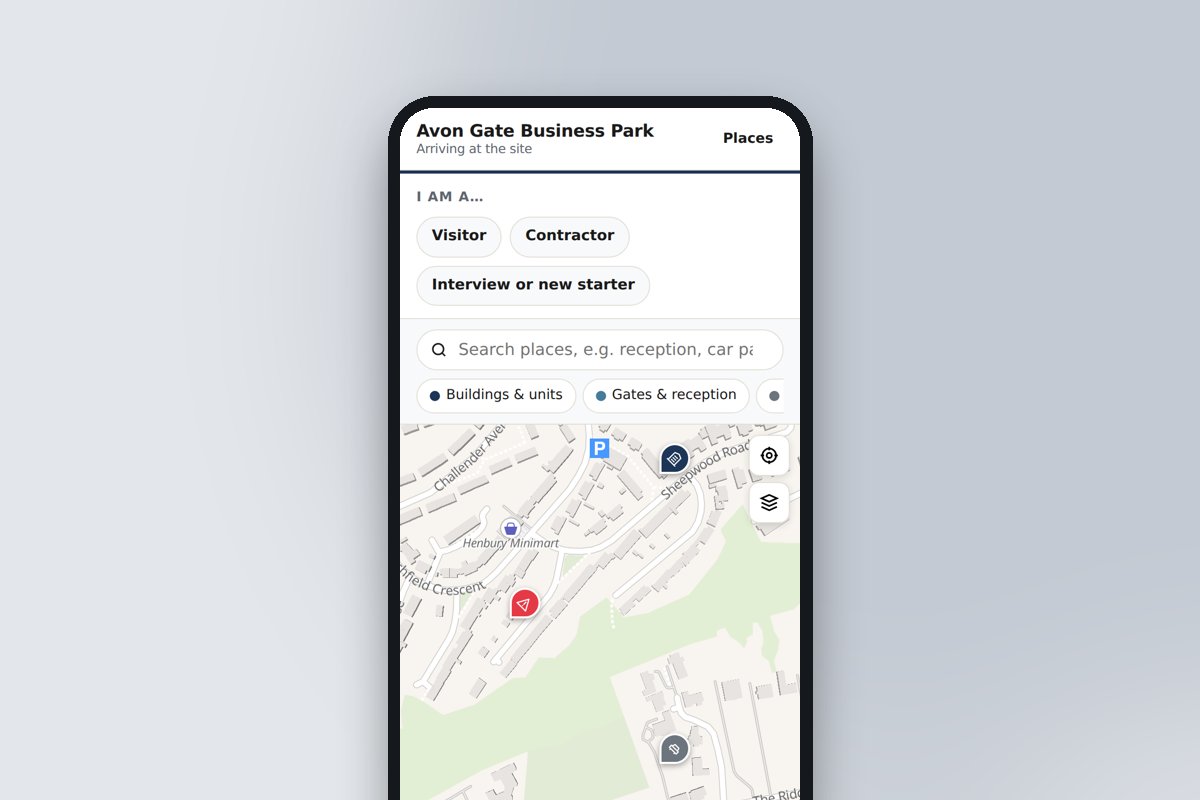 Business parks, offices and factoriesGates, reception, deliveries and assembly points for visitors, contractors and recruits.
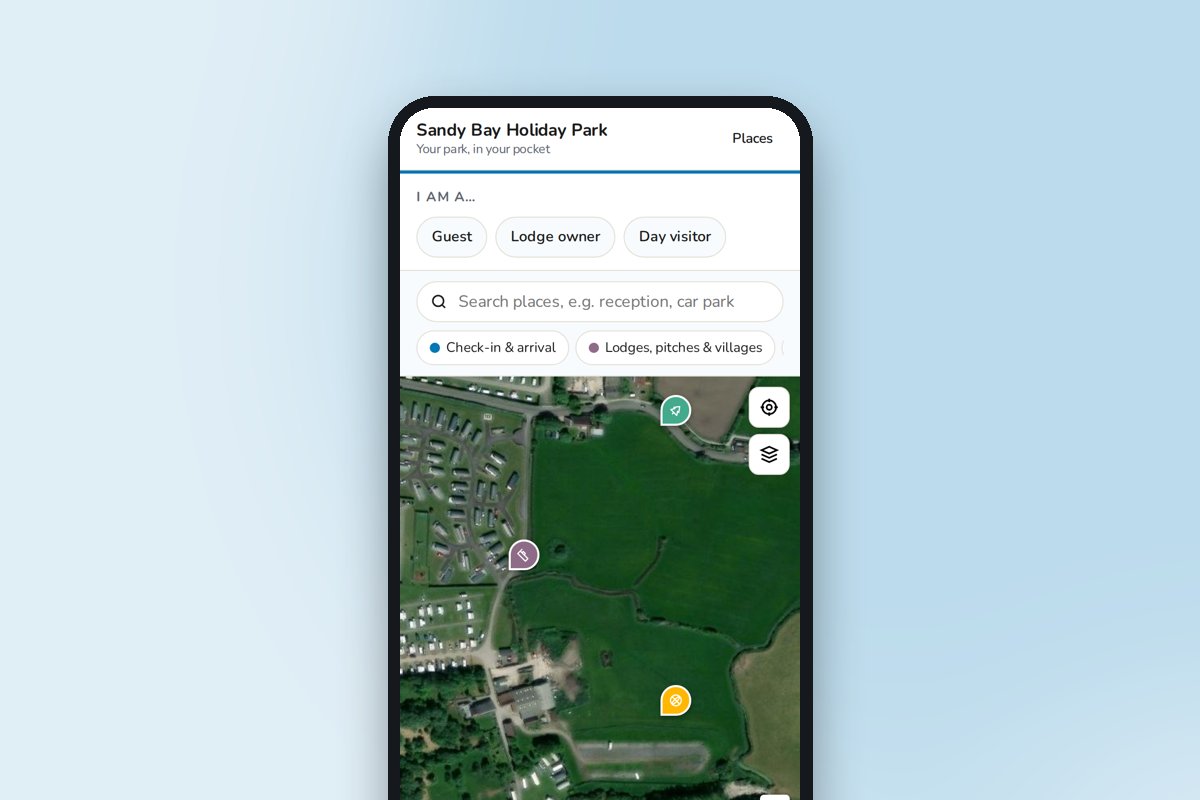 Holiday parks, campsites and resortsCheck-in to the pool, the shop and the beach path, on the guest's phone all week.
Frequently asked questions
Can’t find the answer you’re looking for? Just get in touch, or even better, book a video consultation.
Does it work without phone signal in the grounds?
The page is light and loads once, so a visitor who opens it at the entrance keeps the map, the places and the trails as they walk. Map tiles for areas they have not yet viewed need a connection, so we recommend a QR code at the entrance where signal is usually best.
Can we print it?
The page has a print layout that drops the map and keeps the places and trails, so a volunteer can hand a visitor a paper copy if they prefer.
Do visitors need an app?
No. The page opens in any phone browser from a QR code or a link, with no download or sign-up. To-do list ticks are remembered on the visitor's phone.
Can we change it ourselves?
Yes, that is the point. Sign in, edit, publish. Changes are live in seconds, so the page can be updated for an event, a term or a road closure without waiting for anyone.
What does it cost, and how do we get access?
Signposted is in early access by invitation: ask us and we will set up your account. It is free to use while we finish it, we will confirm pricing before anything is charged, and our tour clients will get it included with their tour.
Want us to photograph the inside too?
We have photographed museums, gardens and historic houses since 2008. Tell us about the site and we will quote a 360 tour that drops straight into the page.