The park map and guest guide, on every guest's phone all week
Guests arrive on a Friday afternoon with a car full of children and no idea where lodge 42 is. Signposted gets them there, then stays useful all week: the pool times, the shop, the beach path, the entertainment programme and who to call when the hot tub stops. Owners and day visitors get their own version of the same page.
- Send the link with the booking confirmation
- Guest, owner and day-visitor audiences
- Entertainment and events in date order


Built for the whole stay
Arrival on Friday, the beach on Monday, check-out on the following Friday.
Check-in and arrival
The entrance, check-in, the barrier and the route to the pitch areas, with arrival times and what to have ready.
Pitches, lodges and villages
Draw each area of the park and name it, so "Oak Village" and "Pitches 1 to 60" are places guests can get directions to.
Pool, shop, bar and the beach path
Opening times, a photo and a walking route from the guest's own lodge, with the nearest toilet block and bins filterable in one tap.
What is on
Entertainment, kids' club, quiz night and the Saturday market in date order, dropping off as the week goes on.
Owners and day visitors
Owners get the owners' lounge, the maintenance desk and the sales office; day visitors get parking, the pool and the café. Guests see neither.
Sales and lettings
A look inside lodges for sale or to let with a 360 or Matterport tour, and an enquiry form straight to the sales team.
The whole stay, in the guest's pocket
Accessible lodges, step-free routes to the pool and the entertainment venue are the questions guests ask before booking; answering them in public is the adjustment.
| The problem | What the visitor needs, and what the law expects | What Signposted does |
|---|---|---|
| A week of small questions | Where is reception, the pool, the shop, the dog walk, and is the route level from our lodge? | Guest, owner and day-visitor audiences, the park map on your own illustrated plan, and entertainment in date order. |
| Finding the right door | A route from where they are to a named entrance, not a postcode and a PDF. The Equality Act 2010 treats entrances, parking, steps and lifts as physical features a venue must think about in advance. | Turn-by-turn directions along the walkways you draw, from the car park, a "you are here" sign or the visitor's own position, with the distance and time. |
| Step-free access | To know before setting off whether there is a level way in, and to be routed along it. The duty to make reasonable adjustments is anticipatory: it is owed before anyone asks. | An Avoid steps switch that keeps every route to the walkways marked step-free, and says plainly when none is marked, rather than sending someone to a staircase. |
| Accessible information | Information in a form they can use: large text, a screen reader, spoken directions. Auxiliary aids under the Act expressly include information in accessible formats; NHS sites also carry the Accessible Information Standard. | Every page is built to WCAG 2.2 AA: keyboard and screen-reader use, 200% zoom, nothing carried by colour alone, directions read aloud one step at a time, and the places list as a text equivalent of the map. |
| Where the accessible facilities are | Blue-badge bays, the step-free entrance, lifts, accessible toilets and the Changing Places toilet, each with a photo of the door and whether it is open right now. | Accessible places as a category with a one-tap filter, photos, opening hours and live status, so a lift out of order or a toilet closed for cleaning is shown with the alternative. |
| Information that goes stale | An access statement that is still true: a PDF from 2019 is a liability, not an adjustment. | Your own team edits and publishes in seconds; a "last updated" date on the page; notices from the ops room or reception that appear on every phone within a minute. |
| Busy times and closures | To avoid the queue, the full car park and the closed gate, and to be offered the alternative. | Live busyness set by staff with a code or read from your systems, a quieter place nearby suggested automatically, and car parks and entrances that can be marked full or closed. |
| Emergencies | The nearest exit and the assembly point, from where they are standing, in the words the stewards use. | An emergency mode the ops room switches on: the page becomes an exit map, with the nearest exit routed and every other pin dimmed. |
| Proving you have thought about it | Evidence for an access audit, a school accessibility plan, an SGSA accessibility plan or a complaint: what you publish, when, and that it works for disabled visitors. | A single public page that names every physical feature and the way past it, plus insights on what visitors searched for and could not find. |
Read more: Equality Act 2010, access statement, Changing Places and the WCAG 2.2 AA statement for Signposted pages.
The holiday park template
Check-in and arrival, lodges and pitches, fun, food, nature and facilities, with guest, owner and day-visitor audiences.
Try the school demoThe demo is a school; the holiday park template works the same way with its own categories.
Check-in to the pool, the shop and the beach path
Lodges and pitches, fun, food, nature and facilities on a map guests keep in their pocket all week, with guest, owner and day-visitor audiences.
- Upload the park plan with lodge numbers as the map
- Owners see the owners' lounge and the sales office; guests do not
Entertainment, activities and the people to ask
Events in date order with booking links, dropping off the page when they have passed, and the reception, activities and maintenance teams with a line and a way to reach them.
- A look inside lodges for sale or to let with a 360 tour
- Enquiry form straight to the sales team
Ready before the season starts
No developer, no app, and the park team keeps it current.
- 1
Pick a template
School, hospital, attraction, business park, holiday park or event. Each comes with the right categories, sample places and audiences.
- 2
Place your buildings
Drop pins on the map or satellite view, or upload your own floorplan, seating plan or guide map and pin that instead. Draw the car park and the grounds, tick the entrances visitors arrive at.
- 3
Add the words and pictures
Audiences, trails, events, people, videos and your enquiry form. Enter your web address and the branding is done for you.
- 4
Publish and print the QR code
Live at visit.360virtualtours.co.uk/your-name in seconds. Put the QR code on signs, letters and lanyards, or embed the page on your website.
Other places people visit
The same builder with a template for each.
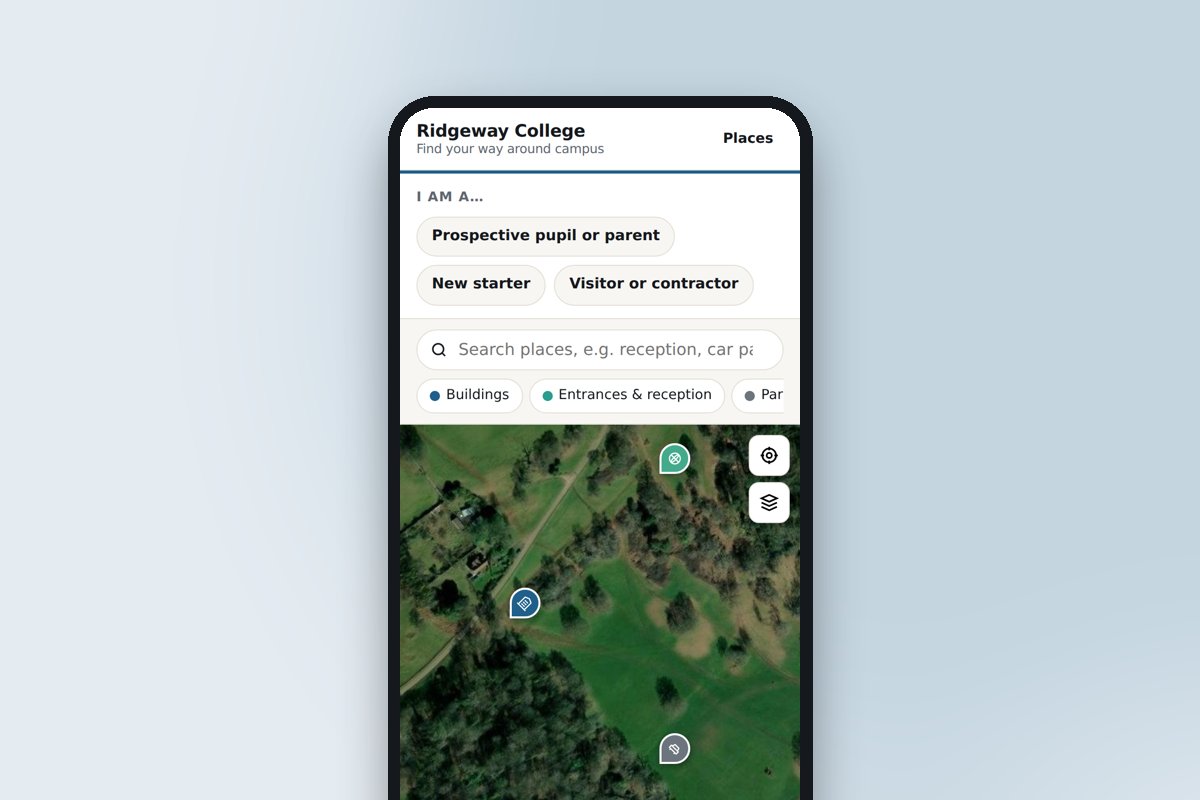 Schools, colleges and universitiesOpen days, new starters and visiting parents: every building, where to park and which door.
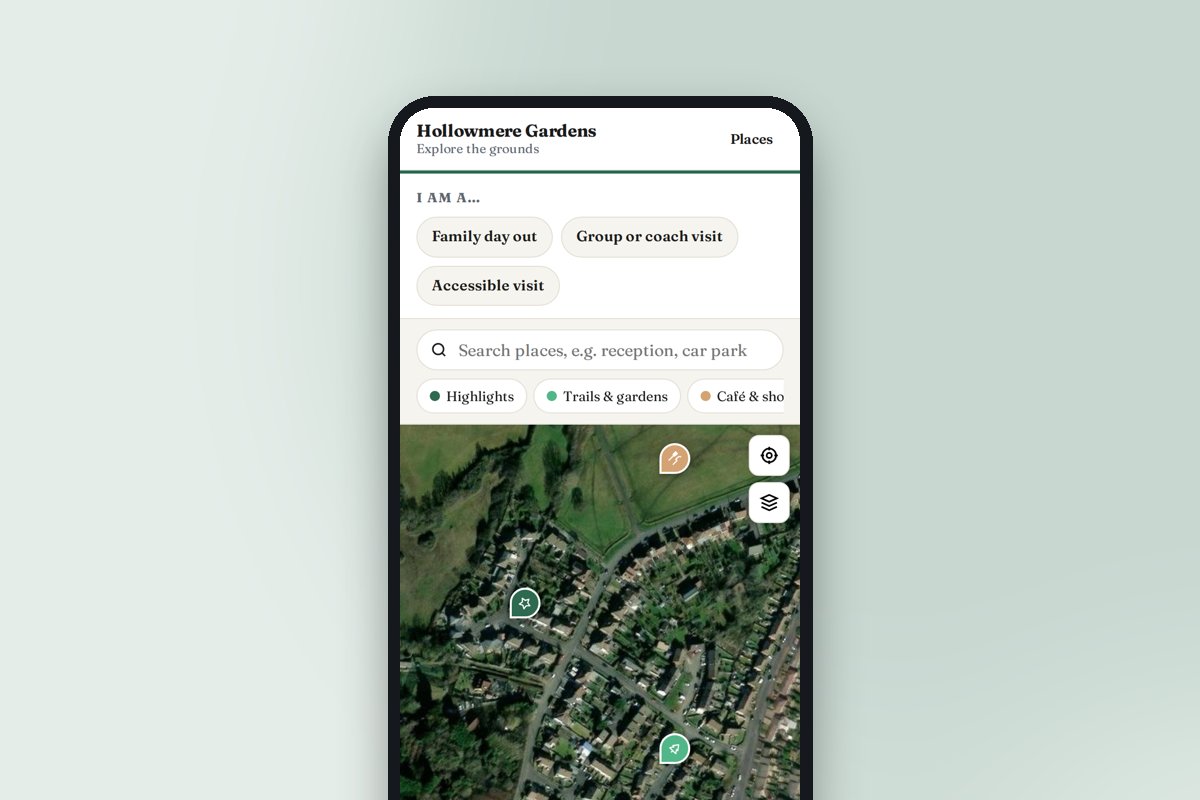 Attractions, gardens and heritage sitesTrails, highlights, the café and the loos, with a look inside the rooms visitors cannot enter.
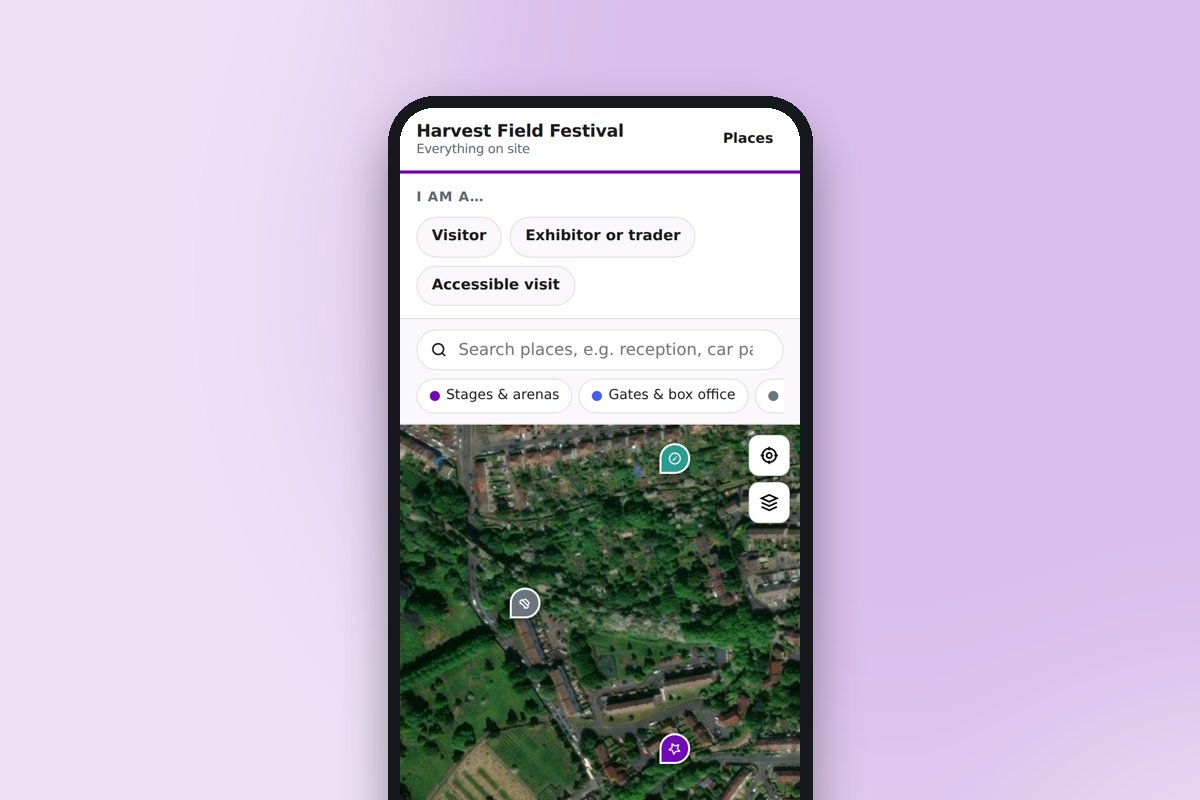 Venues, festivals and eventsStages, stands, car parks, first aid and meeting points, updated during the event.
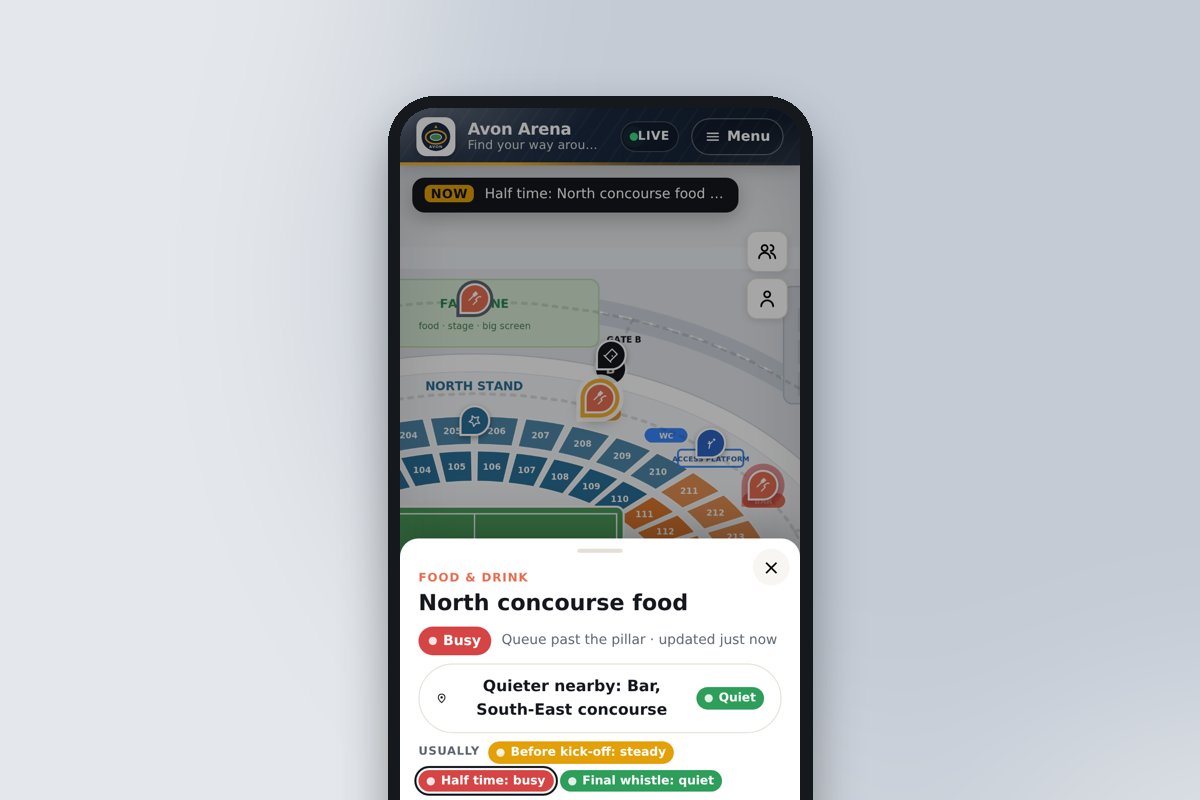 Stadiums, arenas and live venuesMatch-day maps on your seating plan, with live queues at every bar and kiosk and a quieter one nearby.
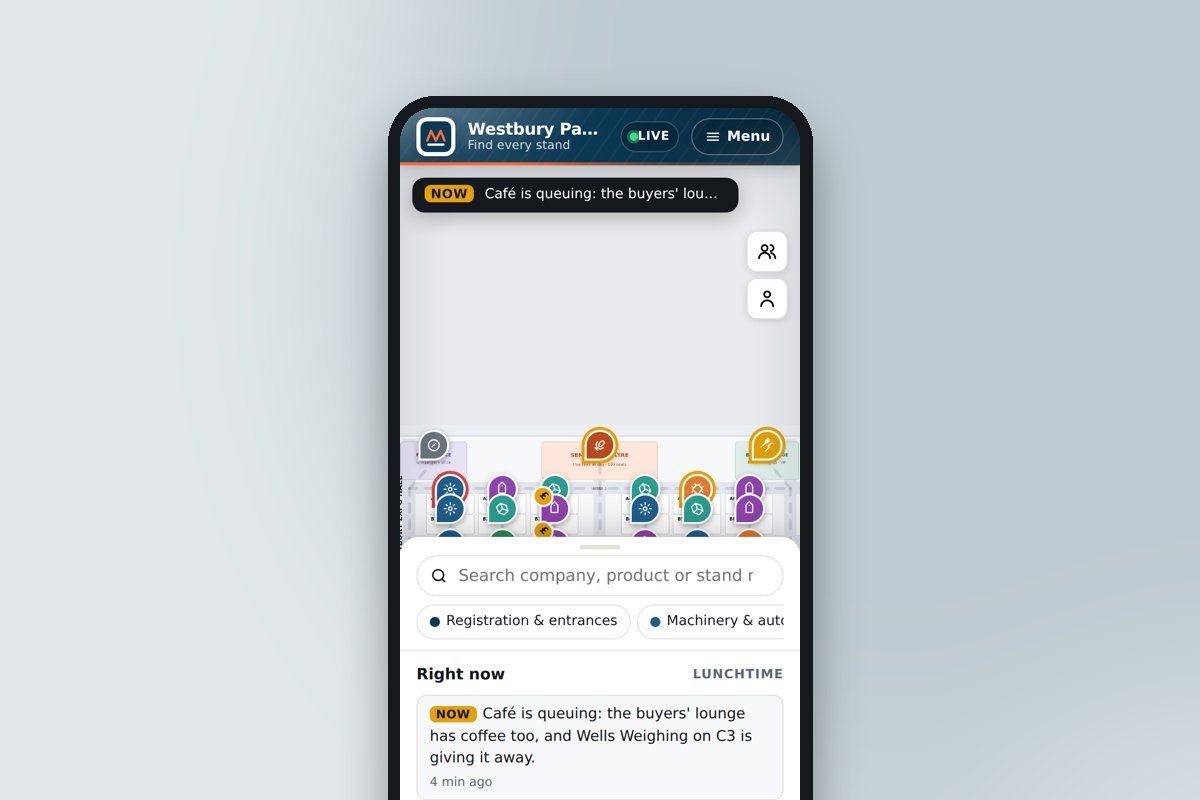 Exhibitions and trade showsSignposted Expo: the hall plan with every stand, searchable by company and product, with leads sent straight to the exhibitor.
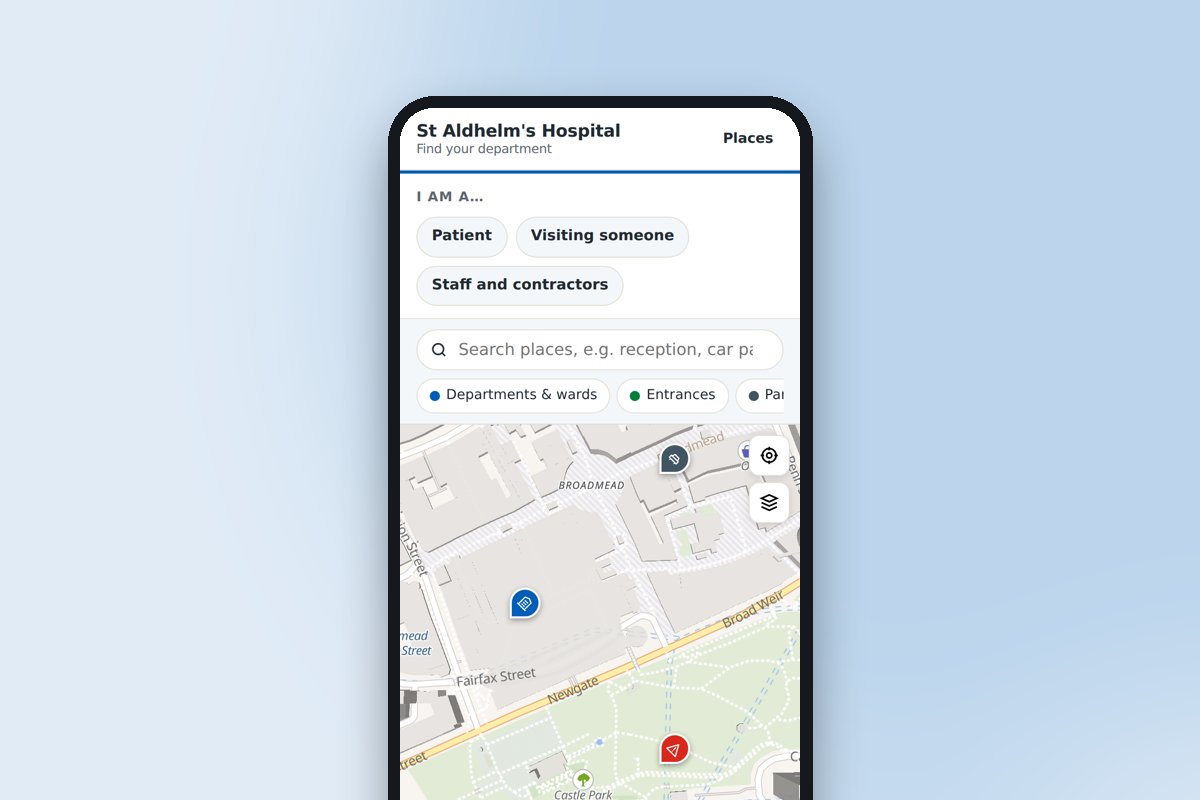 Hospitals and healthcare sitesCar park to clinic or ward, step by step, with appointment timings and visiting hours.
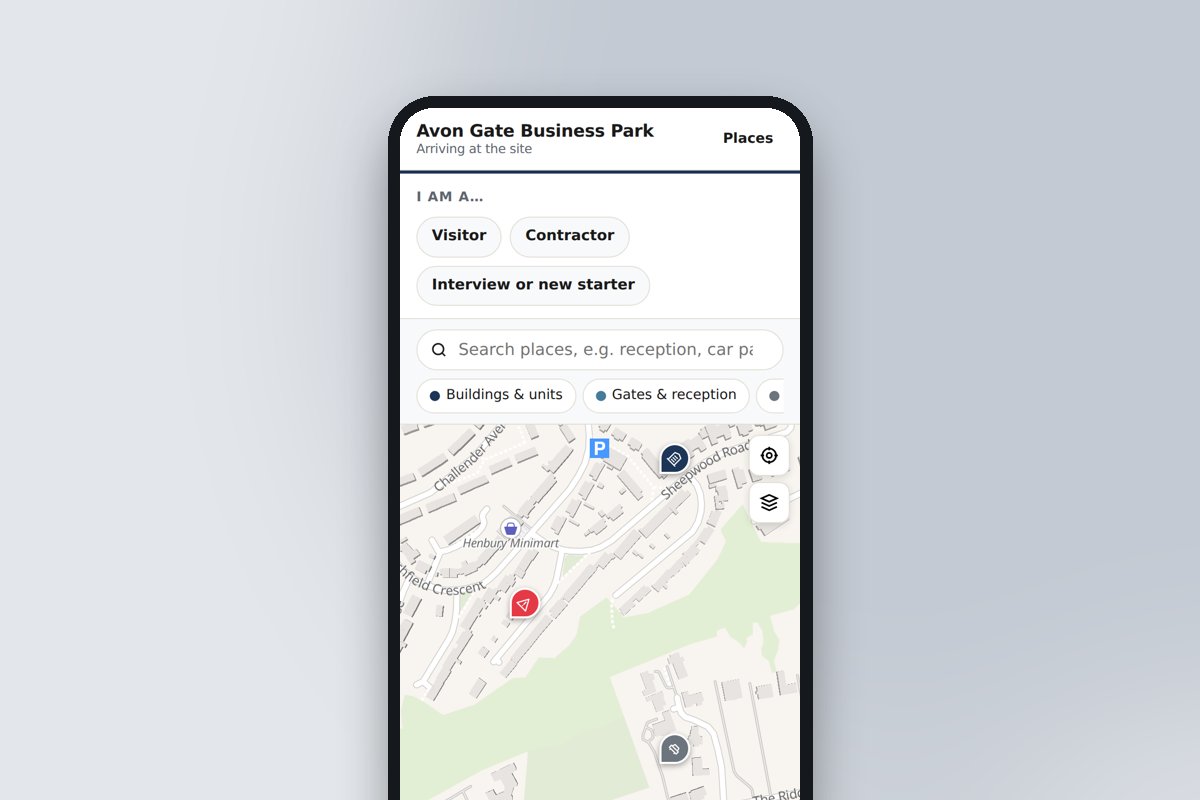 Business parks, offices and factoriesGates, reception, deliveries and assembly points for visitors, contractors and recruits.
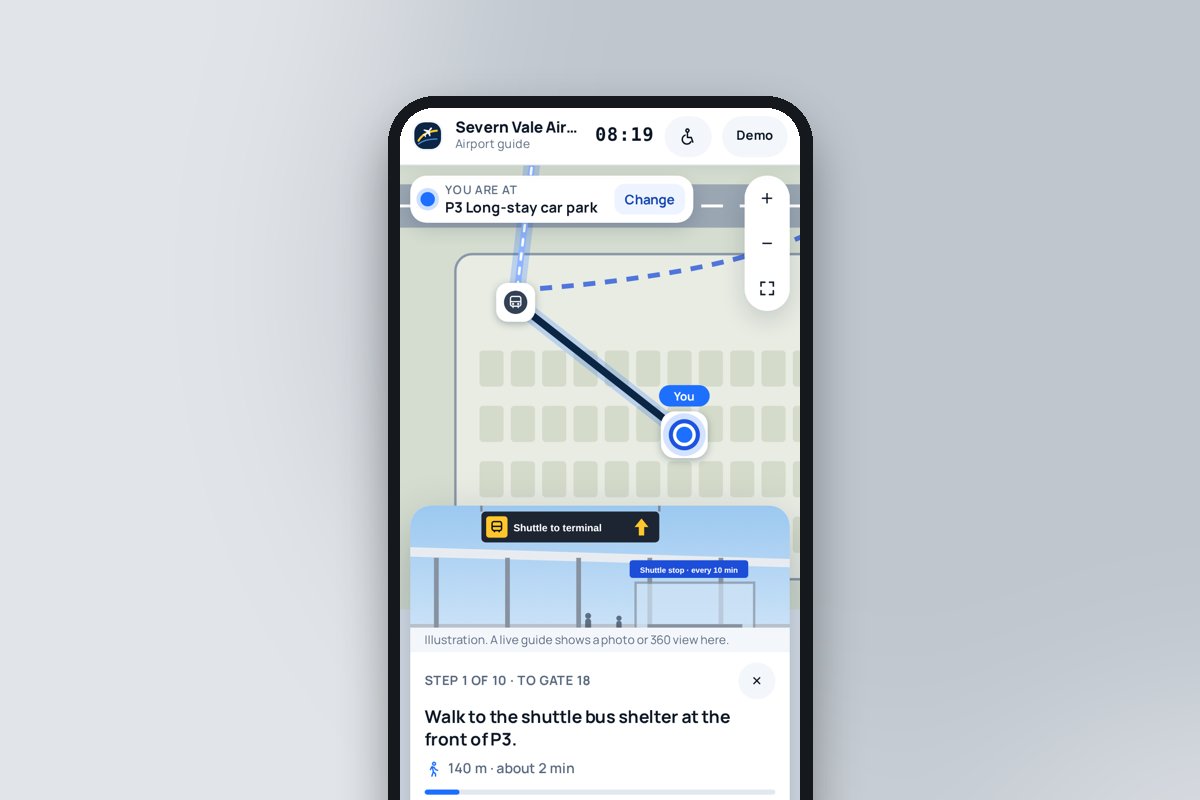 Airports and transport hubsCar park to gate, step by step with a picture of each point, plus the passenger's flight, the security queue and alerts when the gate is called.
Frequently asked questions
Can’t find the answer you’re looking for? Just get in touch, or even better, book a video consultation.
Is the visitor page accessible to people who use a screen reader, a keyboard or large text?
Yes. Every Signposted visitor page is built to WCAG 2.2 AA: it works with a keyboard and a screen reader, scales to 200%, carries nothing by colour alone, keeps touch targets large, offers the places list as a text equivalent of the map and reads every route aloud. We audit each page and all five demos with automated and manual checks, and publish an accessibility statement that public-sector clients can lift into their own. The step-free routing, accessible places and read-aloud directions are described on the accessible wayfinding page.
Can it replace the printed welcome pack?
Most of it. Opening times, the programme, the map and the contacts live on the page and stay current; keep a one-page print in the lodge with the QR code on it.
We have several parks. One account?
Yes. One account, one site per park, each with its own address, branding and QR code.
Do visitors need an app?
No. The page opens in any phone browser from a QR code or a link, with no download or sign-up. To-do list ticks are remembered on the visitor's phone.
Can we change it ourselves?
Yes, that is the point. Sign in, edit, publish. Changes are live in seconds, so the page can be updated for an event, a term or a road closure without waiting for anyone.
What does it cost, and how do we get access?
Signposted is priced per site, from £5,000, depending on the size of the site and what it needs. Tell us about your site and we will send a quote.
Talk to us about your site
For holiday parks, campsites and resorts: check-in to the pool, the shop and the beach path, on the guest's phone all week.
Every Signposted site is built by us, with you. We map the site, agree the routes, points of interest and accessibility information, photograph or capture whatever is missing, and build and test the visitor page before it goes live. Tell us about your site and we'll come back with a plan, a timescale and a clear price.