
A visitor map and guide for your site, that your own team keeps current
Sign in, pick a template, drop your buildings, entrances and car parks on the map, add a few words and photos, and publish. Visitors scan a QR code or tap a link, say who they are, and get a welcome, a to-do list and directions to the right door on their phone. Your branding comes straight from your website, enquiries land in your own CRM, and your 360 tours slot in if you have them.
- Live in days, no app to install
- Audiences, trails, open days and ambassadors
- Enquiries into your CRM: 15 education systems supported
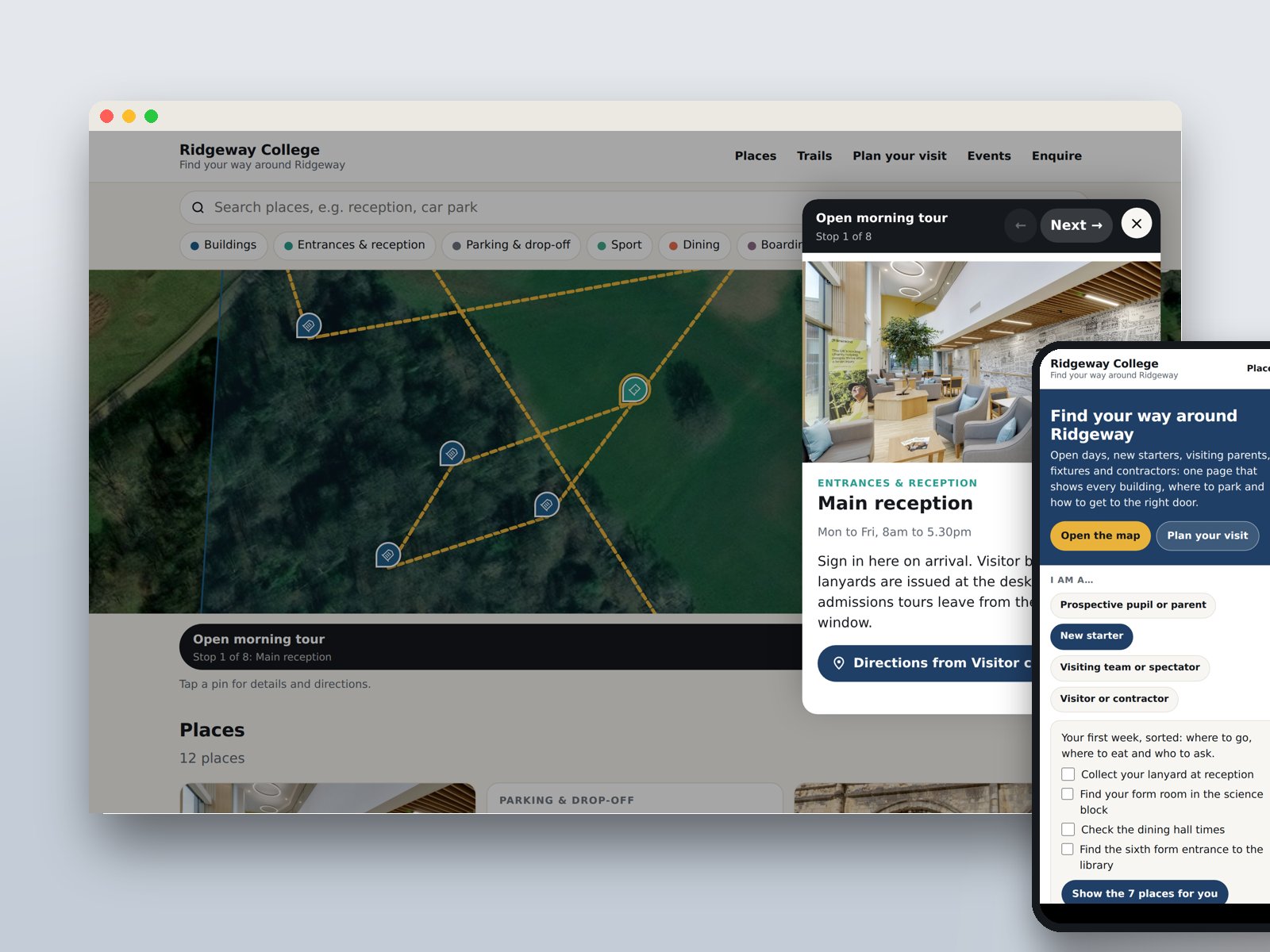
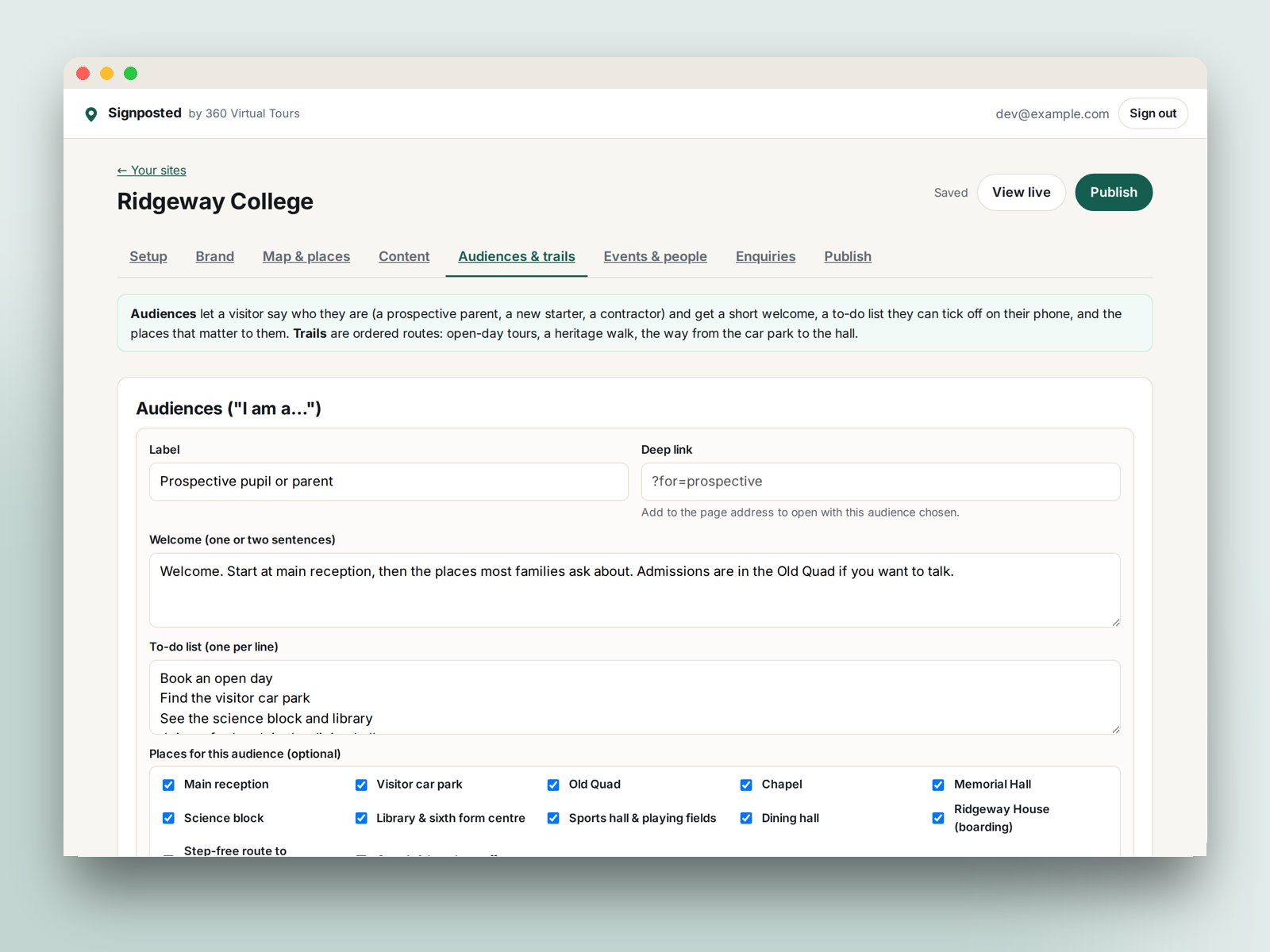
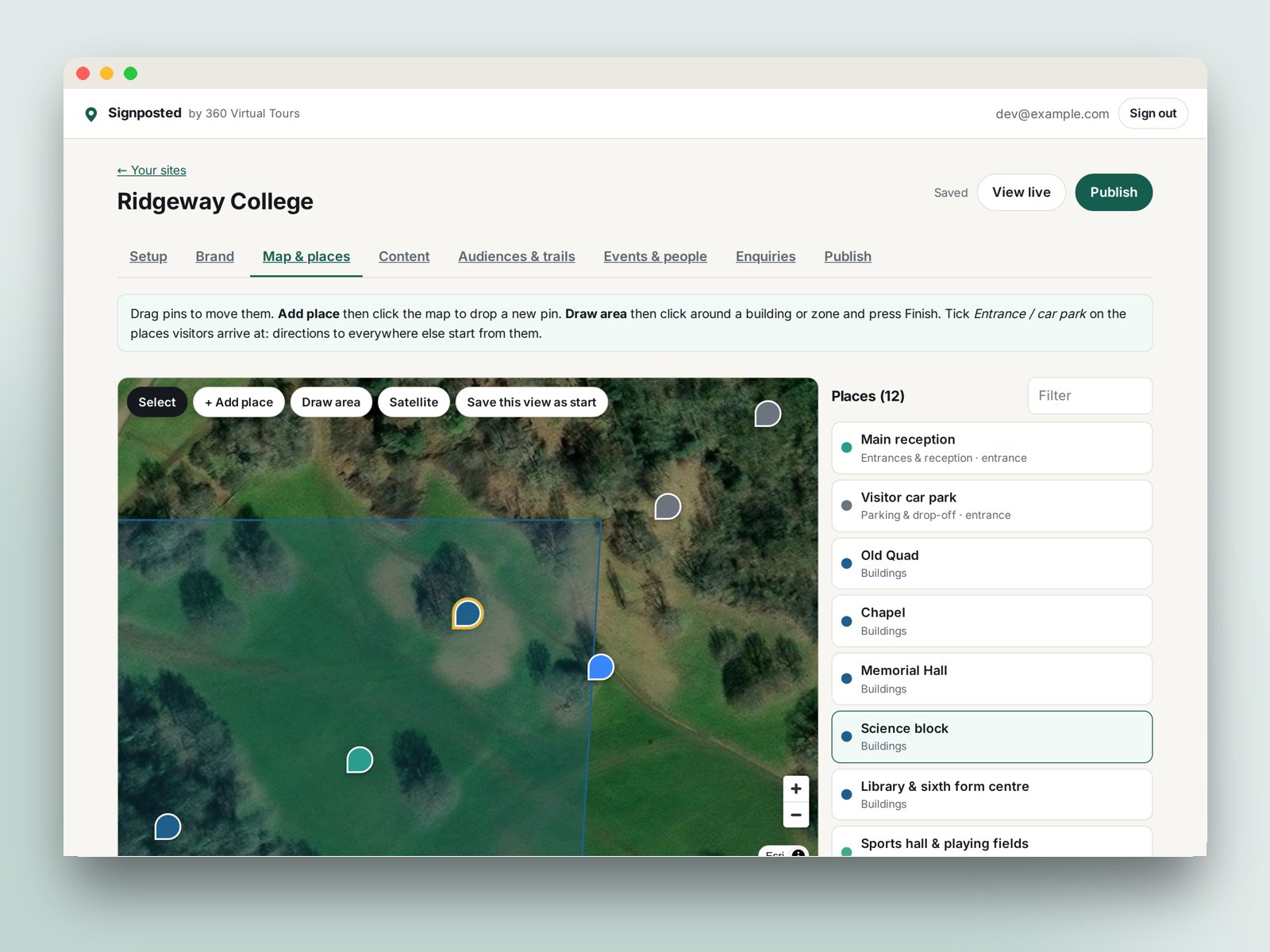
What a Signposted page does
One page that answers the questions reception answers all day, and does the admissions jobs a £20,000-a-year platform charges for.
Map with pins, zones and directions
Buildings, entrances, car parks, drop-off points and accessible routes on a map or satellite view, with a walking route to every door from the car park or from wherever the visitor is standing.
"I am a…" audiences
A prospective parent, a new starter, a visiting team or a contractor each get their own welcome, a to-do list they tick off on their phone, and only the places that matter to them. Link straight to an audience from a letter or an email.
Guided trails
Ordered routes with a stop-by-stop guide on the map: the open-day tour, the step-free way in, the heritage walk. Visitors follow it at their own pace.
Open days, events and people
Events in date order with booking links, dropping off the page when they have passed. Admissions staff and pupil ambassadors with a photo, a line and a chat or email link.
Enquiries into your own CRM
A built-in enquiry form that emails you, keeps a list you can export, and pushes each enquiry to a webhook. Or paste the form from your CRM: Admissions+, OpenApply, iSAMS, HubSpot, Salesforce, Dynamics, Finalsite, Gecko and Slate are all covered.
Brand, media and QR codes
Logo, colours and fonts pulled from your website. YouTube, TikTok and Instagram posts, a 360 Studio or Matterport tour, Google Analytics, and a QR code for signs, letters and lanyards.
See it working
Ridgeway College is a fictional school we built to show what a finished page looks like. Open it on your phone, pick an audience and start the open-morning trail.
Open the demo pageNo sign-in needed. The enquiry form on the demo does not send.
From first sign-in to live page
No developer, no app, no project plan. Change anything and publish again whenever you like.
- 1
Pick a template
School, hospital, attraction, business park, holiday park or event. Each comes with the right categories, sample places and audiences.
- 2
Place your buildings
Drop pins on the map or satellite view, draw the car park and the playing fields, tick the entrances visitors arrive at.
- 3
Add the words and pictures
Audiences, trails, open days, people, videos and your enquiry form. Enter your web address and the branding is done for you.
- 4
Publish and print the QR code
Live at visit.360virtualtours.co.uk/your-name in seconds. Put the QR code on signs, letters and lanyards, or embed the page on your website.
Built for places people visit
Six starting templates, each with the right categories, sample places, audiences and wording.
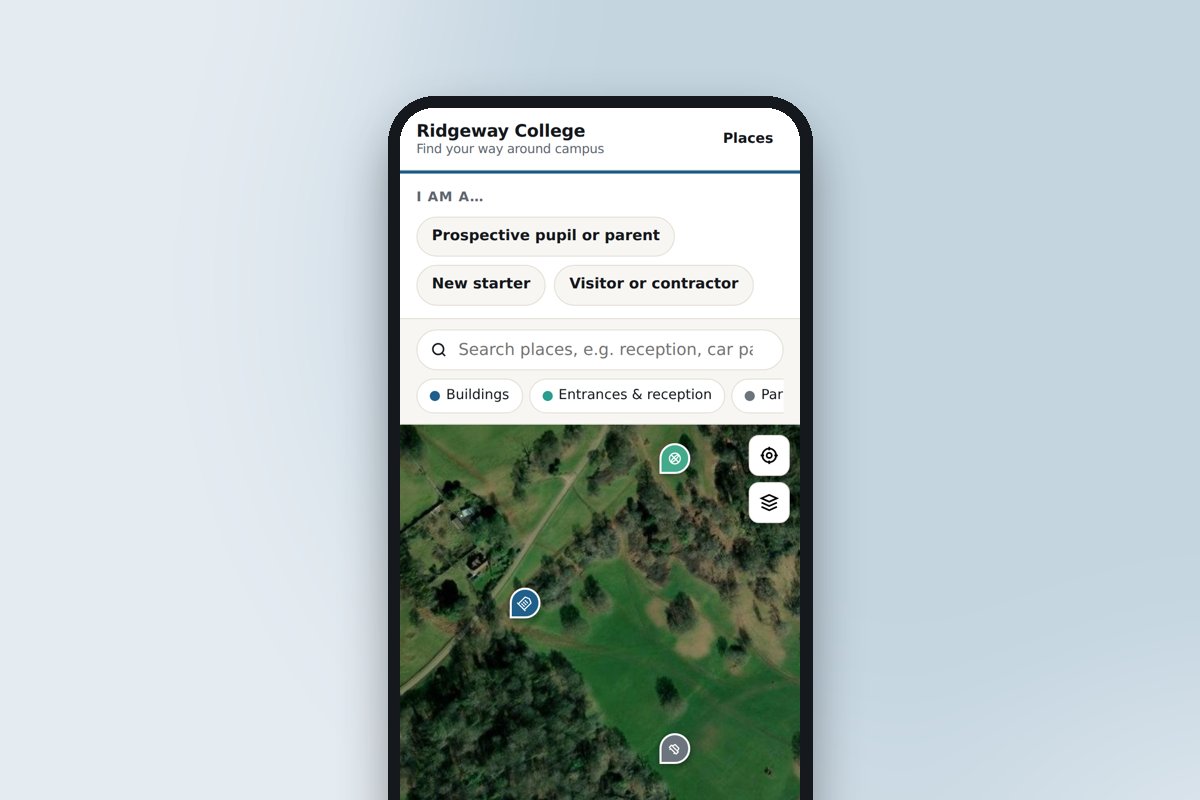 Schools, colleges and universitiesOpen days, new starters and visiting parents: every building, where to park and which door.
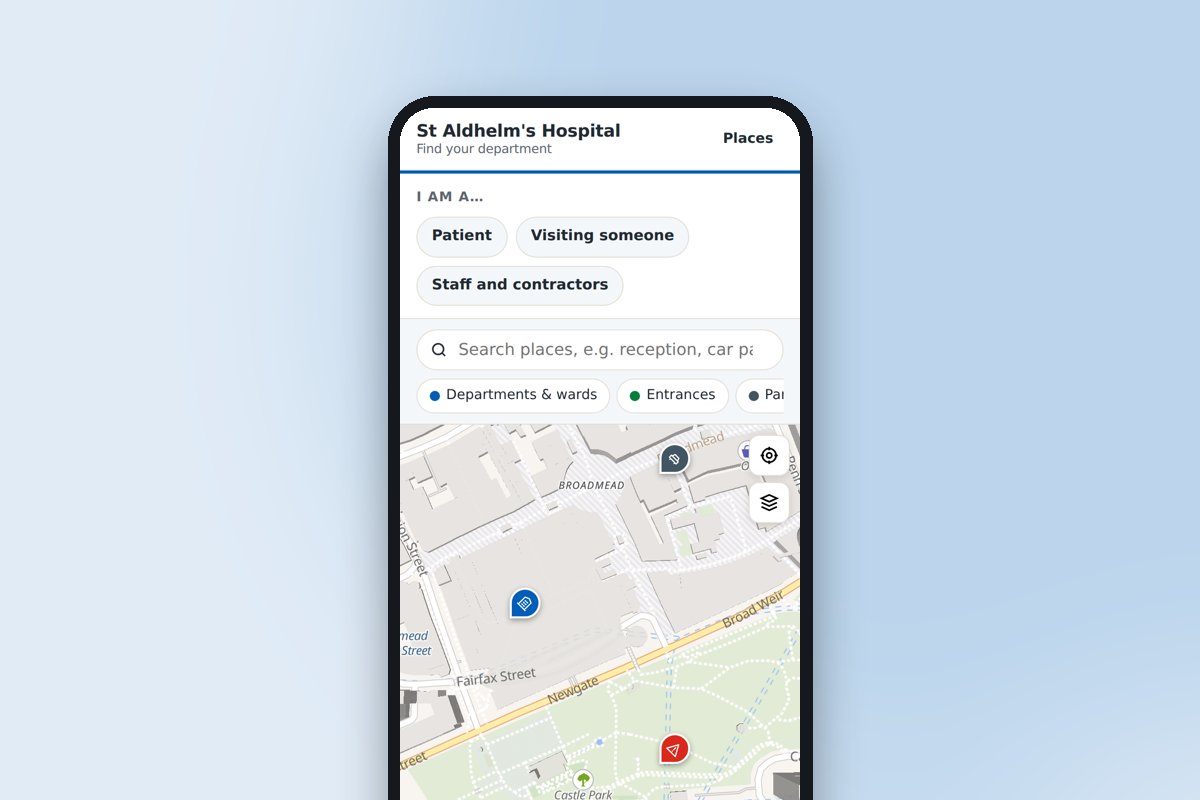 Hospitals and healthcareThe right entrance, the nearest car park and the route to the ward or clinic.
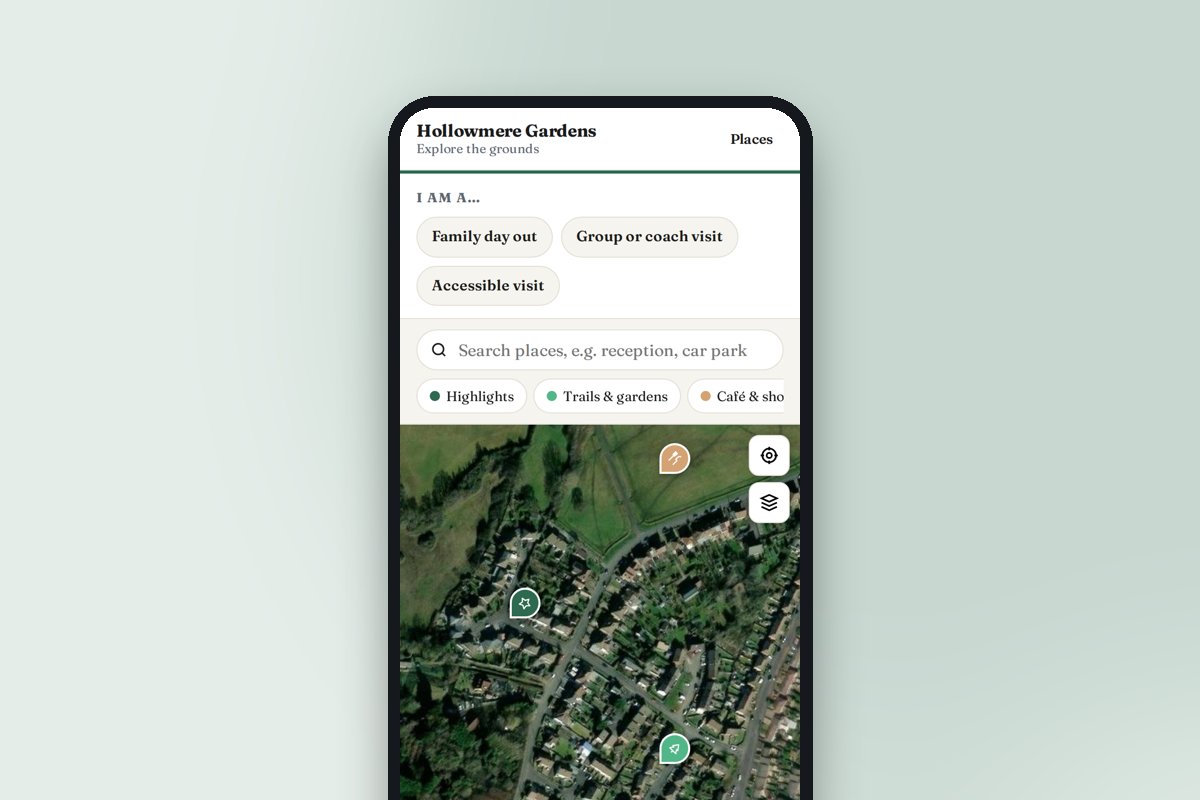 Visitor attractions and gardensTrails, cafés, toilets and highlights, with a look inside the rooms visitors cannot enter.
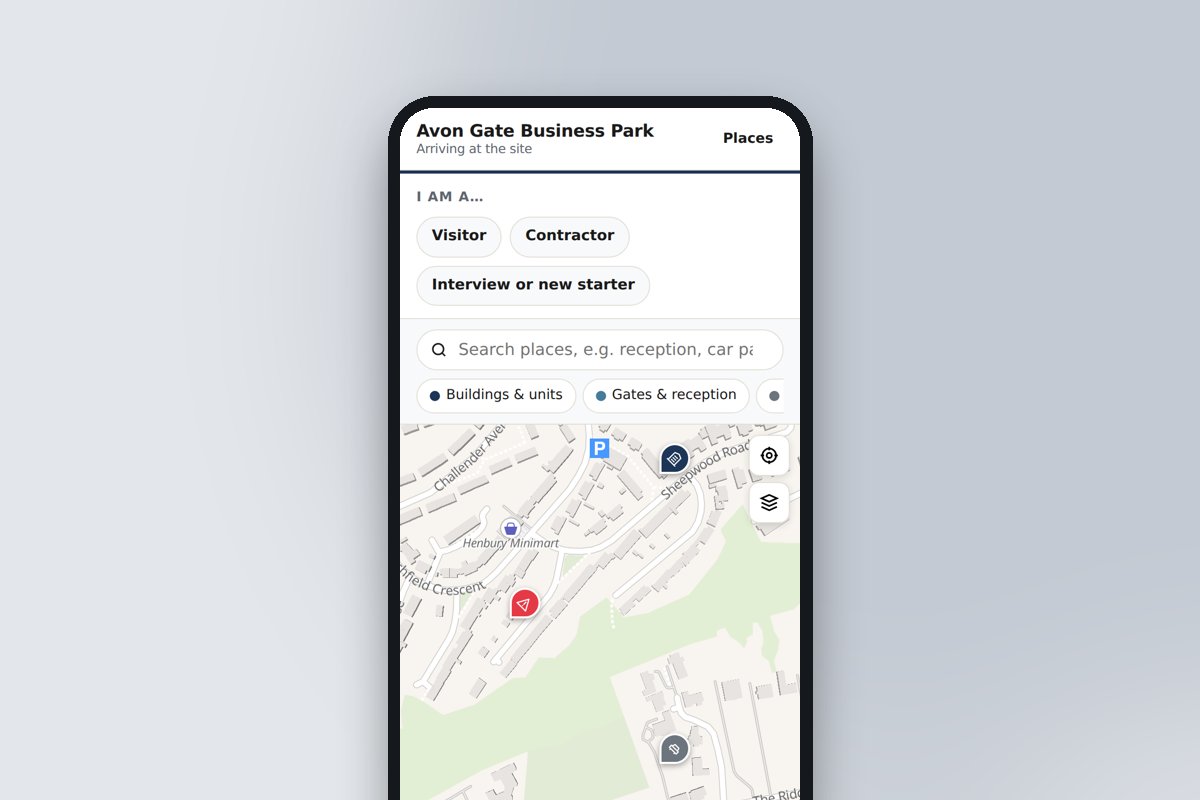 Business parks and factoriesGates, reception, deliveries and assembly points for visitors, contractors and recruits.
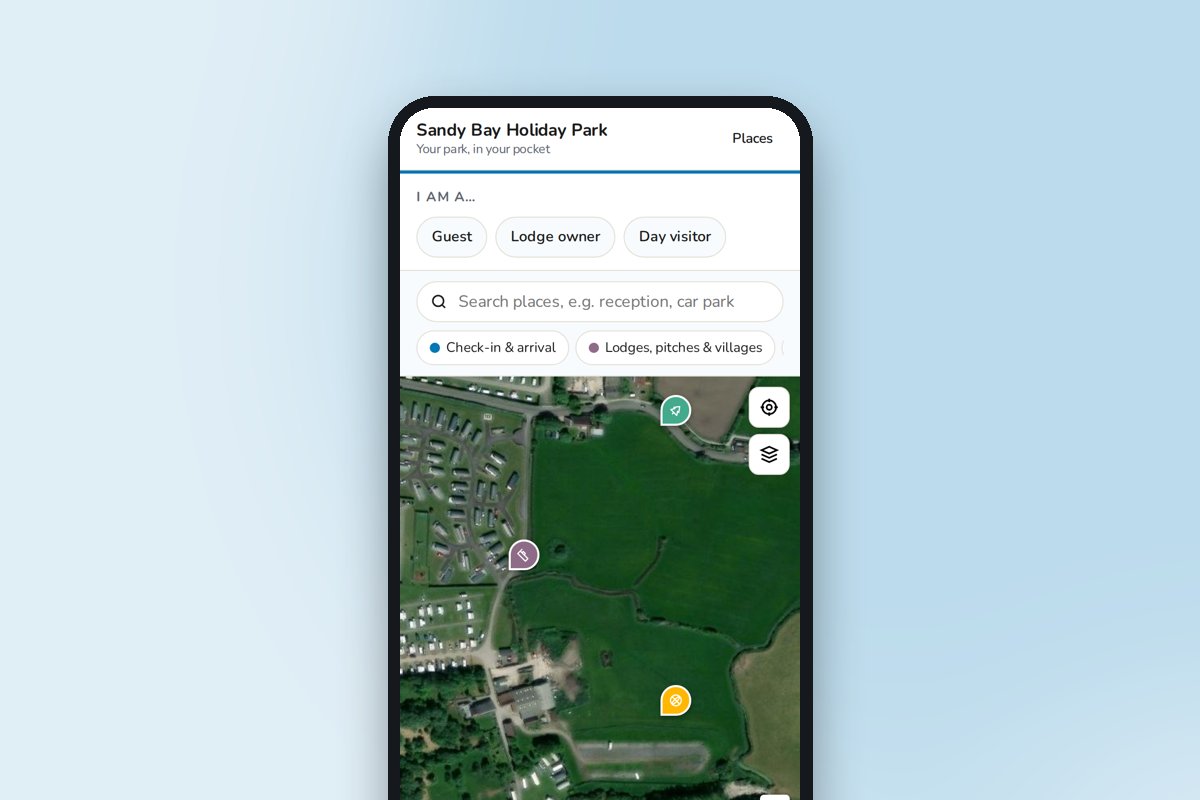 Holiday parks and resortsCheck-in to the pool, the shop and the beach path, on the guest's phone all week.
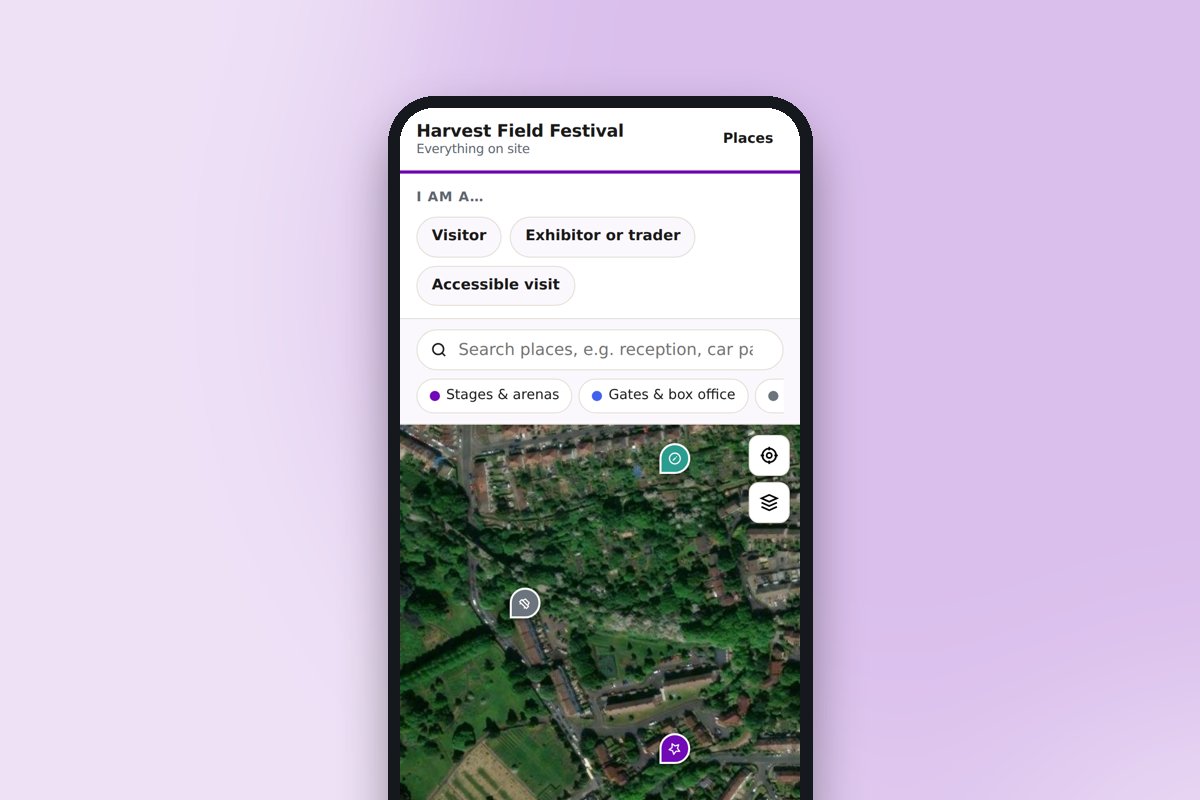 Events and festivalsStages, stands, car parks, first aid and meeting points, updated during the event.
Frequently asked questions
Can’t find the answer you’re looking for? Just get in touch, or even better, book a video consultation.
How much does Signposted cost, and how do we get access?
Signposted is in early access by invitation: ask us and we will set up your account. Sites created now are free while we finish it, and we will confirm pricing before anything is charged. For comparison, the established campus-engagement platforms start around £20,000 a year plus modules for lead capture and events. Our tour clients will get Signposted included with their tour.
Which school CRMs and admissions systems does it work with?
Any system that gives you a form embed or a webhook. Presets with instructions are included for iSAMS, Admissions+ (Applicaa), OpenApply, SchoolBase, Arbor, Bromcom, SIMS, Finalsite, HubSpot, Salesforce Education Cloud, Microsoft Dynamics 365, Gecko, Slate and Unibuddy, plus Zapier, Make and Power Automate. Every enquiry is also emailed to you and can be exported as a CSV.
How is this different from a campus engagement platform?
The jobs overlap: audience personalisation, guided tours, open-day booking, ambassadors, lead capture and your own branding. Signposted is built around a real map of your site with directions to every door, is set up and kept current by your own team rather than through a managed project, and costs a fraction of the price. If you need a full virtual-tour production with 360 photography, that is what we have done since 2008 and it embeds straight into the page.
Do visitors need an app?
No. The page opens in any phone browser from a QR code or link, with no download or sign-up. To-do list ticks are remembered on the visitor's phone.
Can we use our own website domain?
Pages live at visit.360virtualtours.co.uk/your-name. You can embed the page on your own site with one line of code, and custom domains are on the roadmap.
Does it work with our existing 360 tour?
Yes. Any 360 Studio or Matterport tour embeds on the page and can be attached to individual buildings, and we can photograph one if you do not have one yet.
Want us to set it up for you?
Send us your site plan and website and we will build the first version, photograph anything that is missing and hand it over ready to publish.