Everything a Signposted page does
One page, built by you, that answers the questions reception answers all day and does the engagement jobs the expensive platforms charge for. Here is the full list, with what each part is for.
- Six templates, fourteen sections
- Fifteen CRM presets
- Accessible, cookie-free visitor pages
The map
The part every visitor uses.
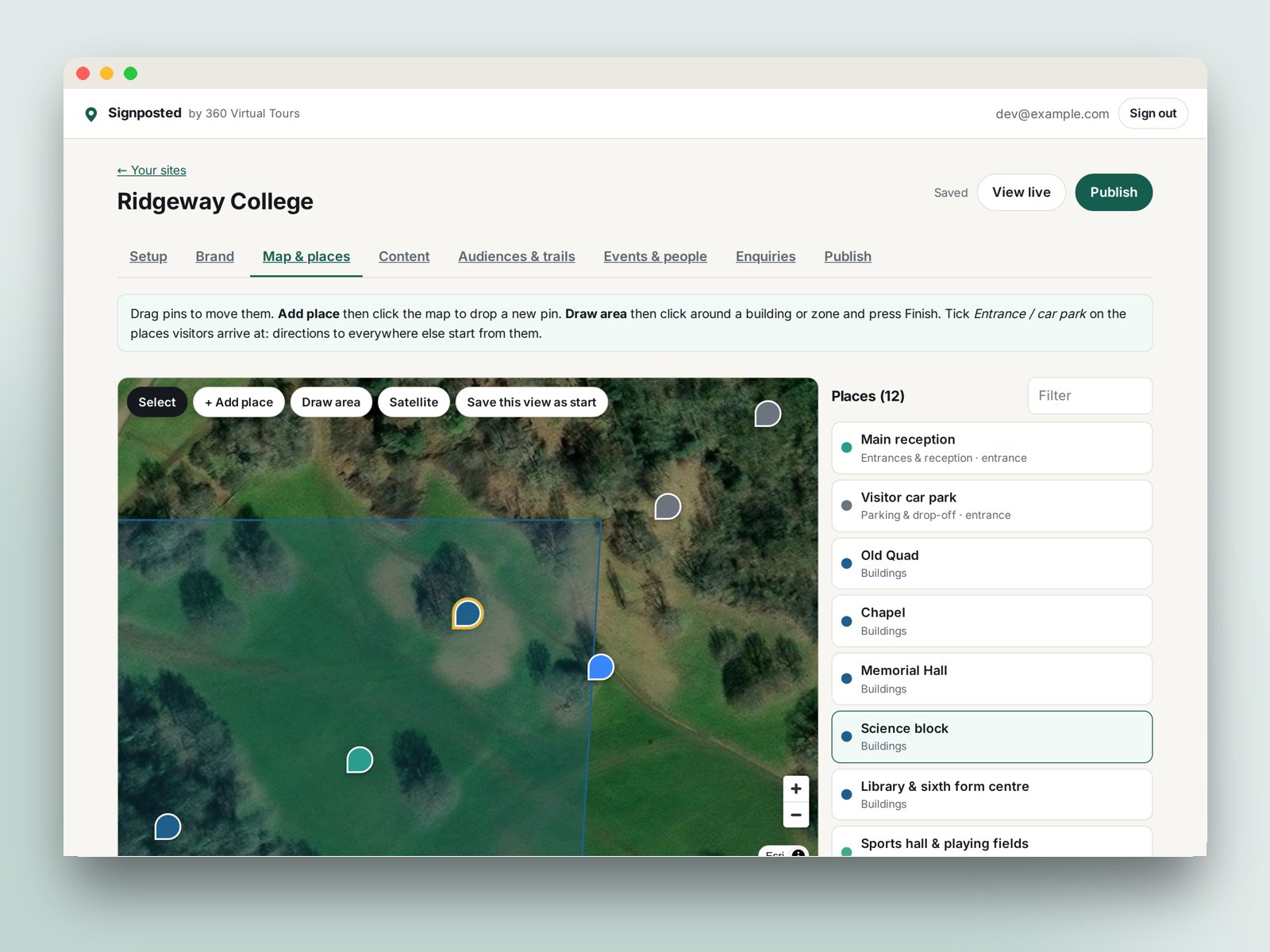
Pins with categories
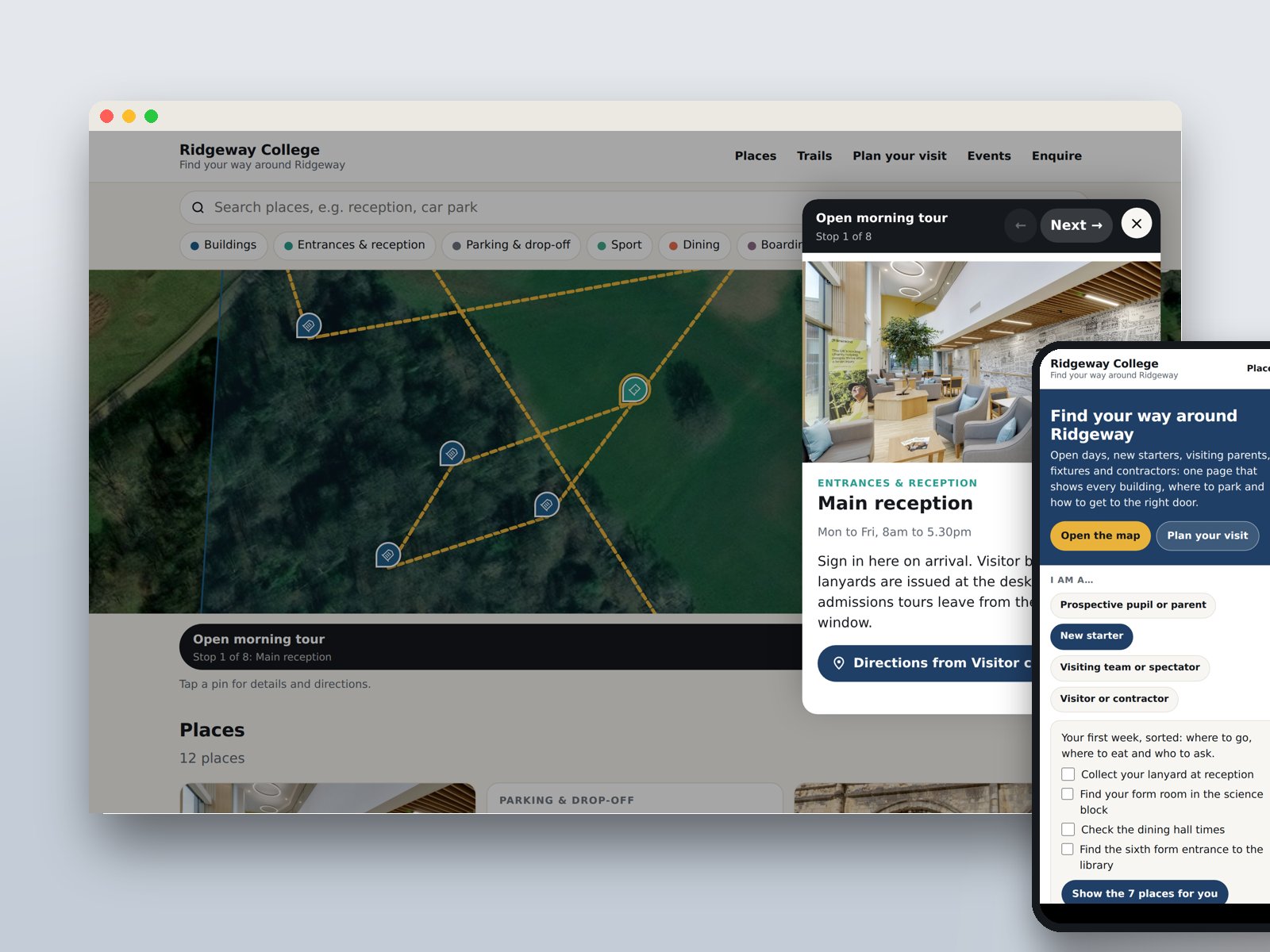
Buildings, entrances, parking, food, sport, accommodation, accessible routes and your own categories, each with a colour and an icon, filterable in one tap.
Areas
Draw the playing fields, the car park or the arena as a shaded area with a name and a description.
Map or satellite
OpenStreetMap vector tiles or satellite imagery, with the start view you choose. Visitors switch between them.
Directions to every door
Each place gets a walking route from the visitor's location, or from the entrance or car park you mark, opened in Google Maps.
Search and deep links
Visitors search by name or category. Every place has its own link, so a letter or an email can open the page on exactly the right building.
Photos, hours, video and 360
Each place carries photos, opening hours, a YouTube video, an extra link, what3words and an optional 360 or Matterport tour.
The engagement layer
The jobs an open day, a festival or a hospital visit needs beyond the map.
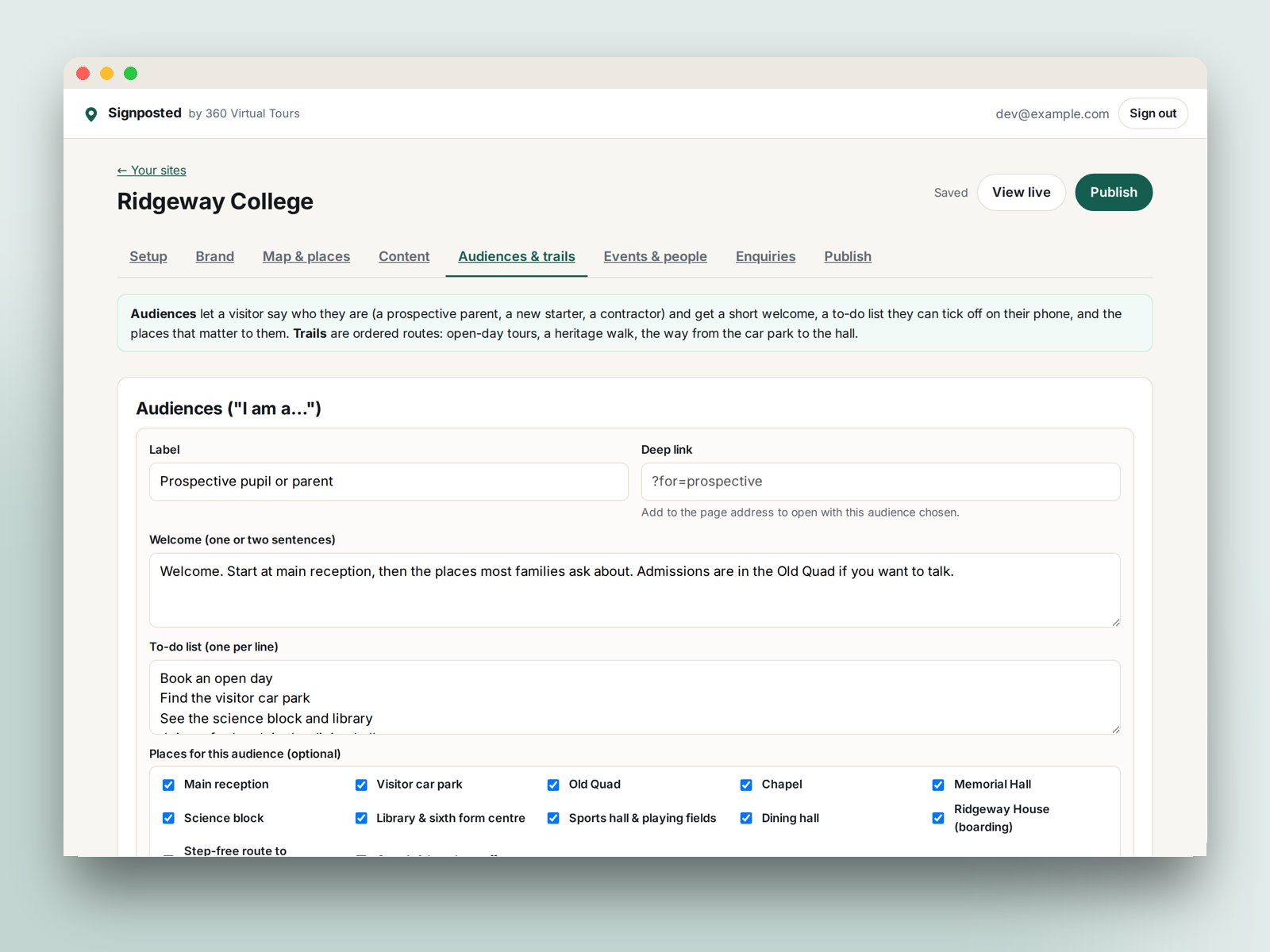
Open the demo pageRidgeway College, a fictional school, uses every section.
Enquiries, brand, publishing and measurement
The rest of what the builder does.
- 1
Enquiries
A built-in form (name, email, phone, "I am a…", message, consent) that stores every enquiry, emails you with the sender as reply-to, pushes JSON to a webhook and exports as CSV. Or paste your own CRM form embed. Presets for iSAMS, Admissions+, OpenApply, SchoolBase, Arbor, Bromcom, SIMS, Finalsite, HubSpot, Salesforce, Dynamics 365, Gecko, Slate, Unibuddy, and Zapier, Make and Power Automate.
- 2
Brand and media
Logo, colours and fonts from your website, any Google Font, a favicon, YouTube video, TikTok and Instagram posts, social links, and a 360 Studio or Matterport tour on the page.
- 3
Publishing
Live at visit.360virtualtours.co.uk/your-name in seconds. A QR code at print size, an embed code for your own website, deep links to any place or audience, and a page you can update from a phone.
- 4
Measurement
Add your Google Analytics 4 ID and the page sends visits, place opens, trail starts, audience picks and enquiries as events to your own property.
Six templates
Each with the right categories, sample places, audiences and wording.
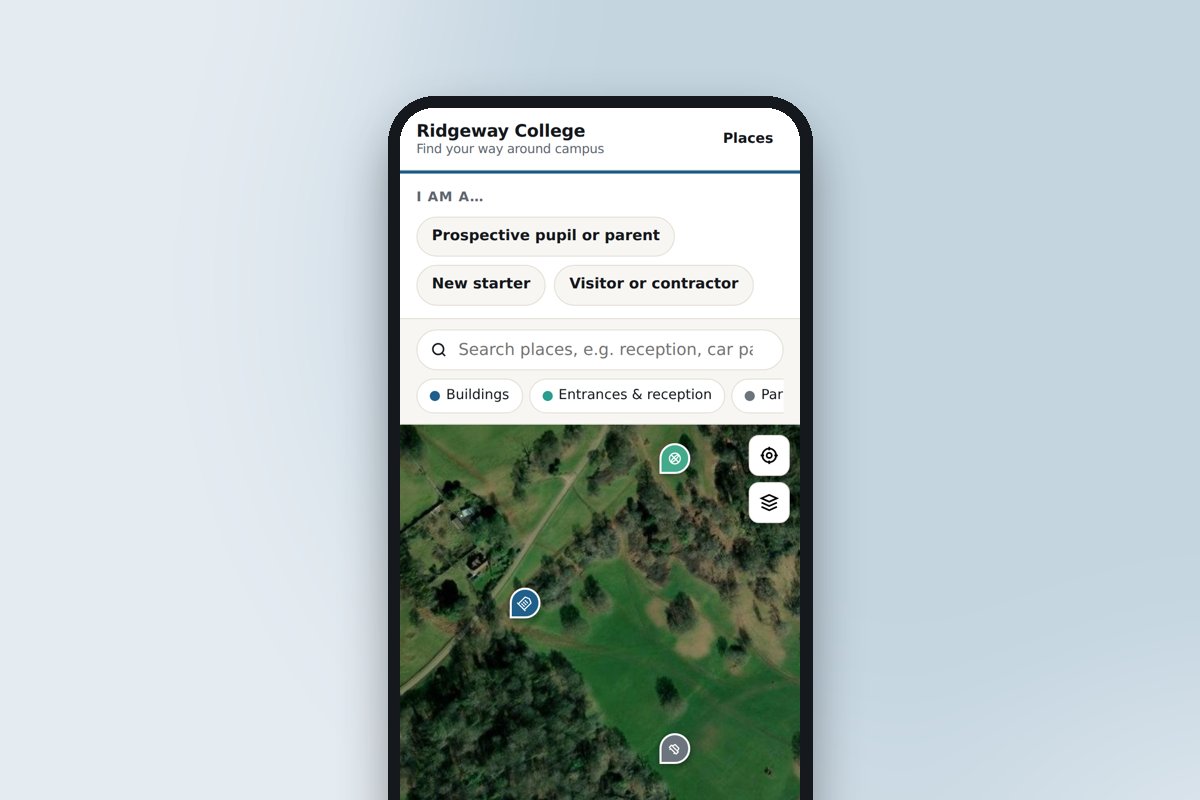 Schools, colleges and universitiesOpen days, new starters and visiting parents: every building, where to park and which door.
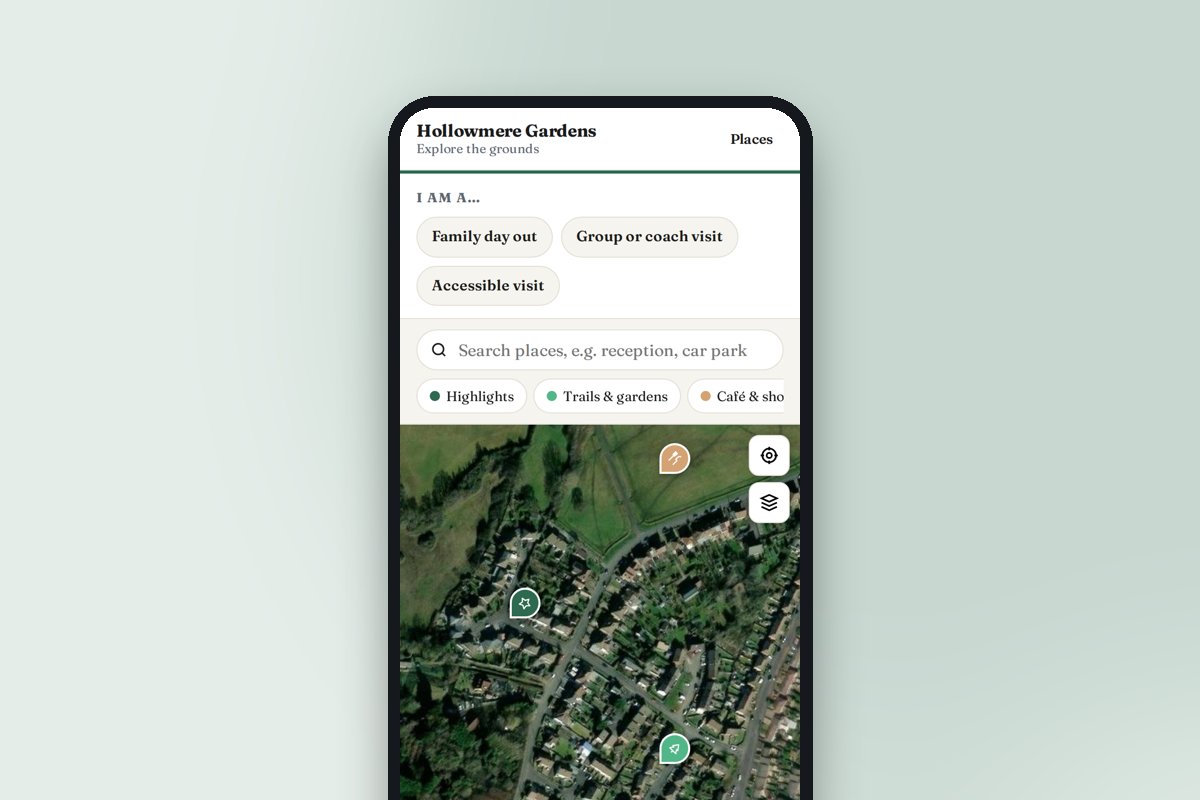 Attractions, gardens and heritage sitesTrails, highlights, the café and the loos, with a look inside the rooms visitors cannot enter.
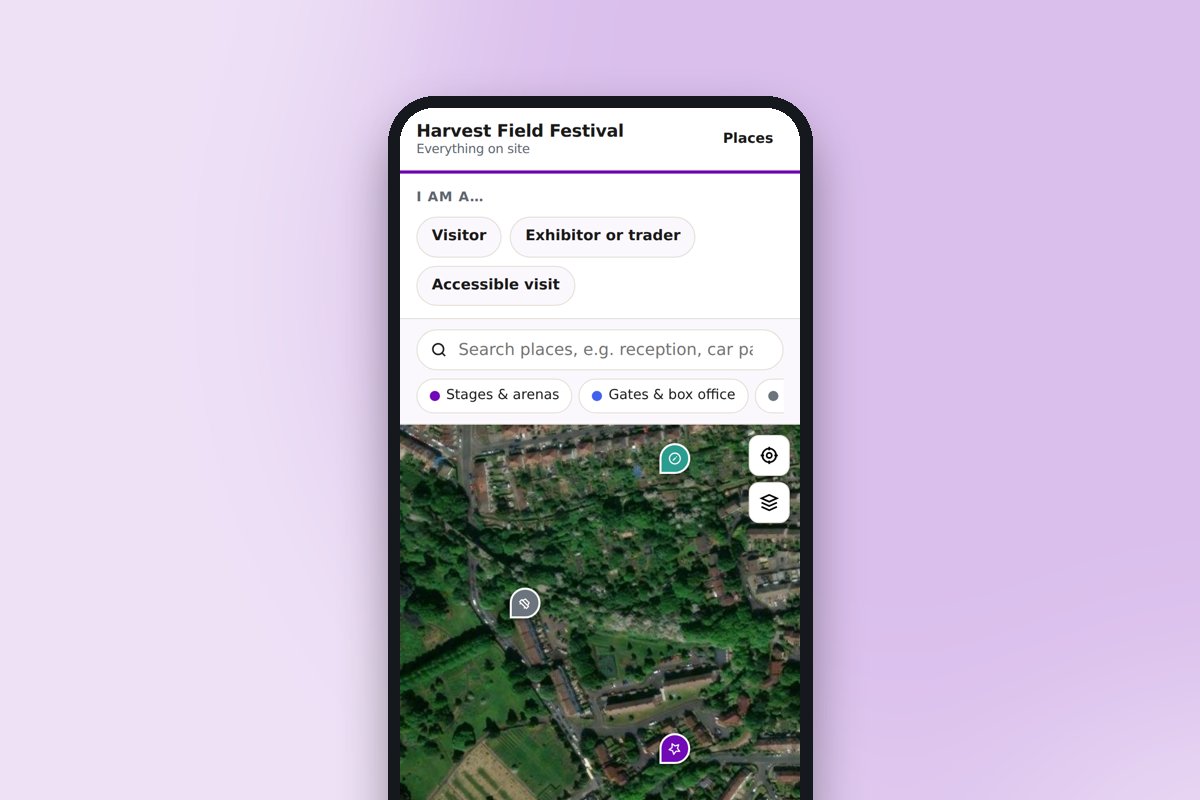 Venues, festivals and eventsStages, stands, car parks, first aid and meeting points, updated during the event.
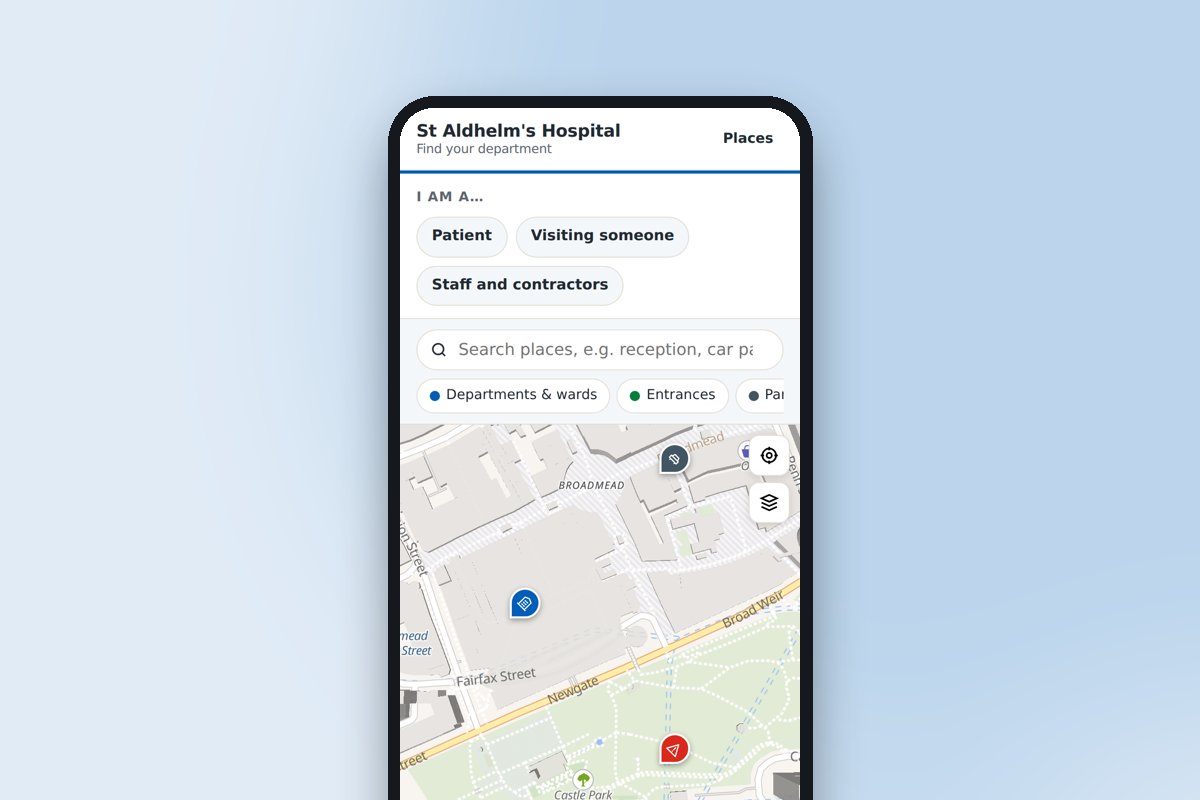 Hospitals and healthcare sitesThe right entrance, the nearest car park and the route to the ward or clinic.
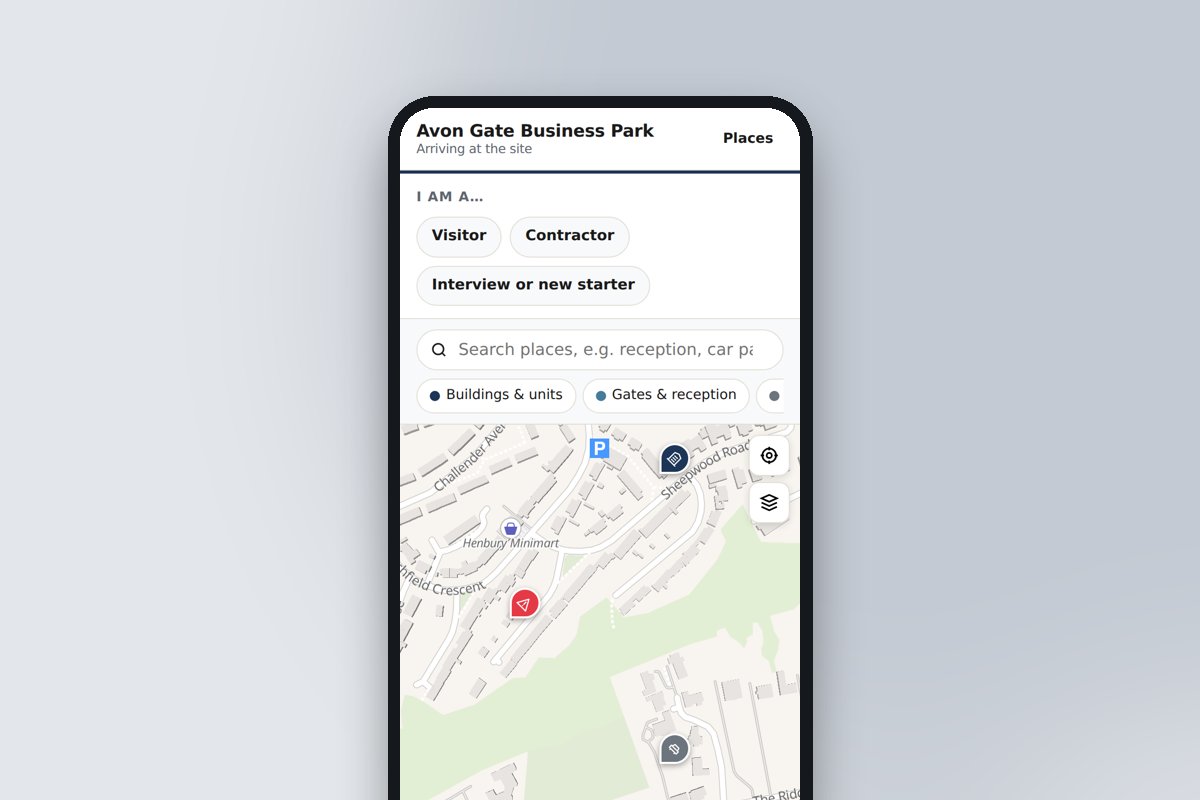 Business parks, offices and factoriesGates, reception, deliveries and assembly points for visitors, contractors and recruits.
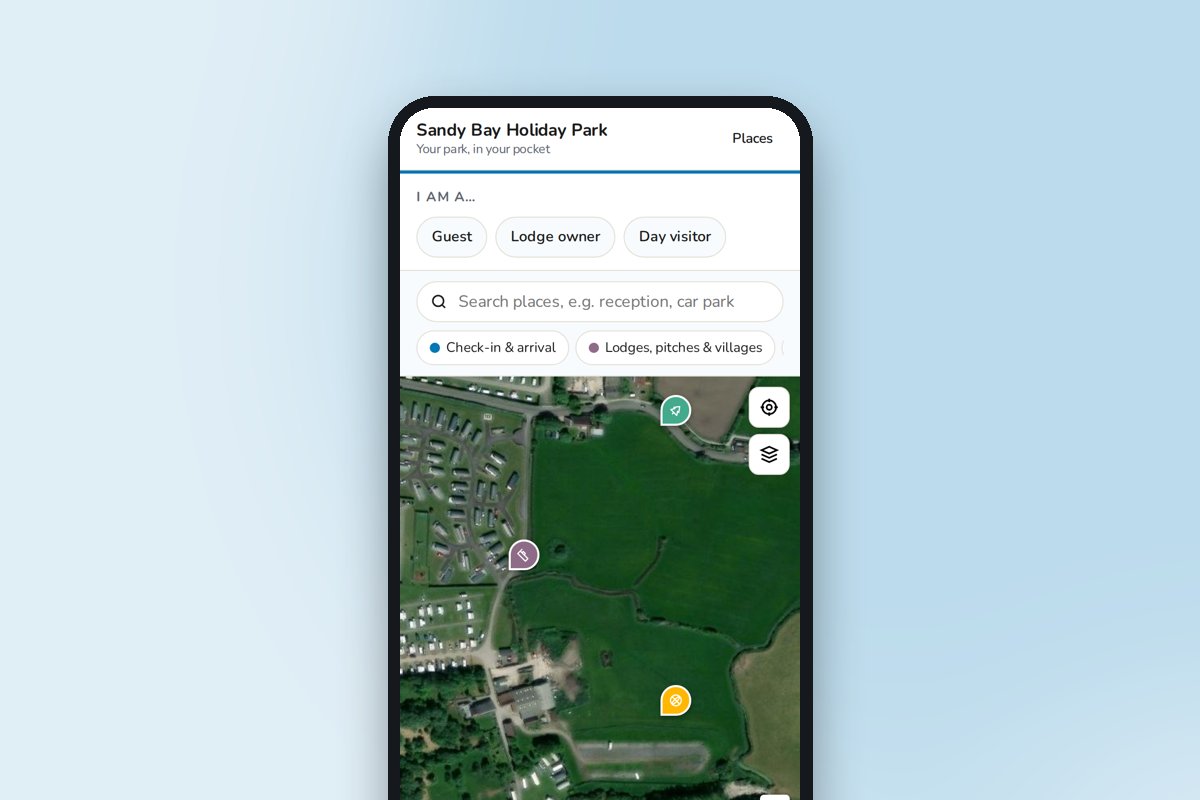 Holiday parks, campsites and resortsCheck-in to the pool, the shop and the beach path, on the guest's phone all week.
Frequently asked questions
Can’t find the answer you’re looking for? Just get in touch, or even better, book a video consultation.
Where do the maps come from?
Vector map tiles from OpenFreeMap (OpenStreetMap data) and satellite imagery from Esri. No Google Maps API key is needed, and there are no map fees. Directions open in Google Maps.
Is the visitor page accessible?
It is built with accessibility first: keyboard and screen-reader navigation, large tap targets, high contrast, no information carried by colour alone, and the places list as a text equivalent of the map. We are working through a WCAG 2.2 AA audit during early access.
What about privacy and cookies?
The visitor page sets no tracking cookies. To-do ticks and the chosen audience are kept in the visitor's own browser storage. Google Analytics is only loaded if you add your own ID.
Do visitors need an app?
No. The page opens in any phone browser from a QR code or a link, with no download or sign-up. To-do list ticks are remembered on the visitor's phone.
Can we change it ourselves?
Yes, that is the point. Sign in, edit, publish. Changes are live in seconds, so the page can be updated for an event, a term or a road closure without waiting for anyone.
What does it cost, and how do we get access?
Signposted is in early access by invitation: ask us and we will set up your account. It is free to use while we finish it, we will confirm pricing before anything is charged, and our tour clients will get it included with their tour.
Missing something you need?
Signposted is in early access and we are building it with the first users. Tell us what your site needs.